?Start hereWhat I want to know
Super Mario Bros. Ultimate keeps the game in the middle of the screen, which leaves black areas at its sides on a wide screen. The Ultimate features (a pause menu, a coin shop, commentary, live information) are features I can use in those blank areas. Three styles are being tried for them.
How to view the examples
- Every picture opens at its full size when you click on it. The small ones on this page are scaled down, which blurs the text.
- The commentary, the menu and the shop also have crops at 1:1, for judging the text without leaving the page.
- The data is made up. Prices, item names, the progress in the world grid, the buttons in the control hints and the commentary text are placeholders.
?World 1-1During gameplay
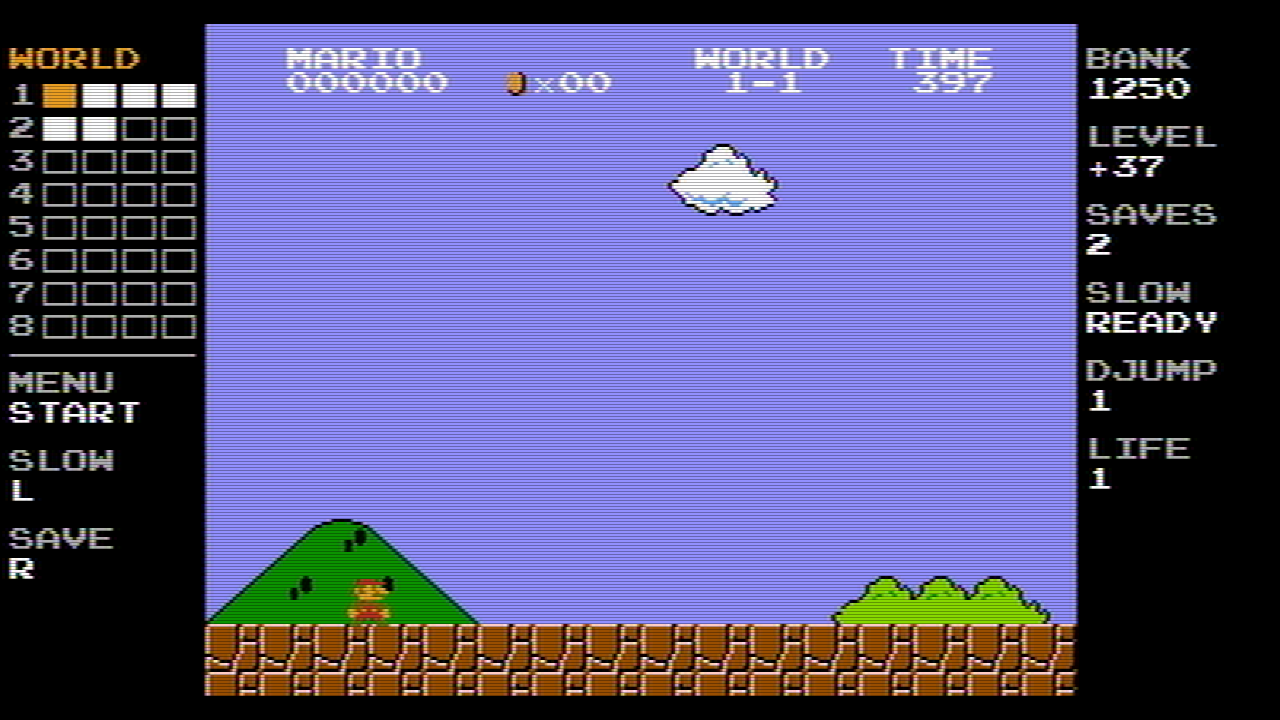
While the game is running, the right-side panel shows the coin bank, the coins collected in this level, the quicksaves left and the upgrades owned. The left-side panel shows which levels are cleared and the buttons of the Ultimate features. If the panels do not fit on the screen, they are not displayed.
1280 x 720
The narrowest side panels: 201 pixels a side.
Style 1: NES
Style 2: Modern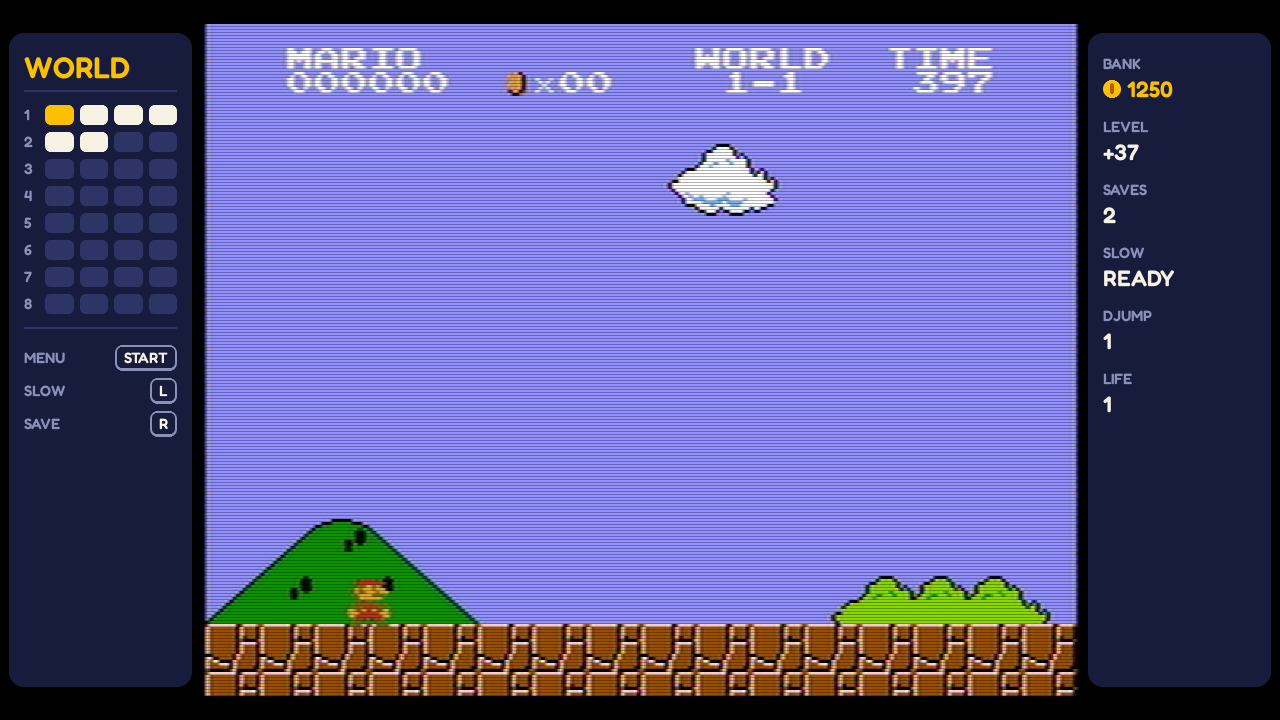
Style 3: LCD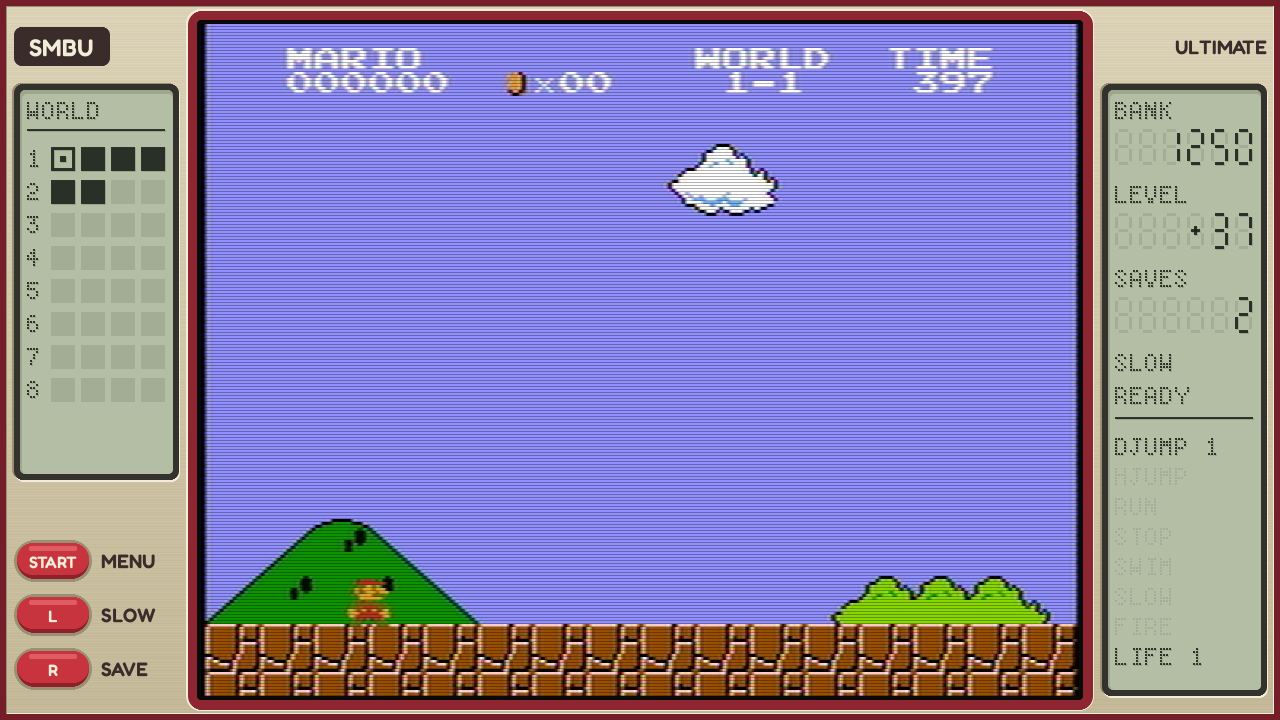
1920 x 1080
The common case: 375 pixels a side.
Style 1: NES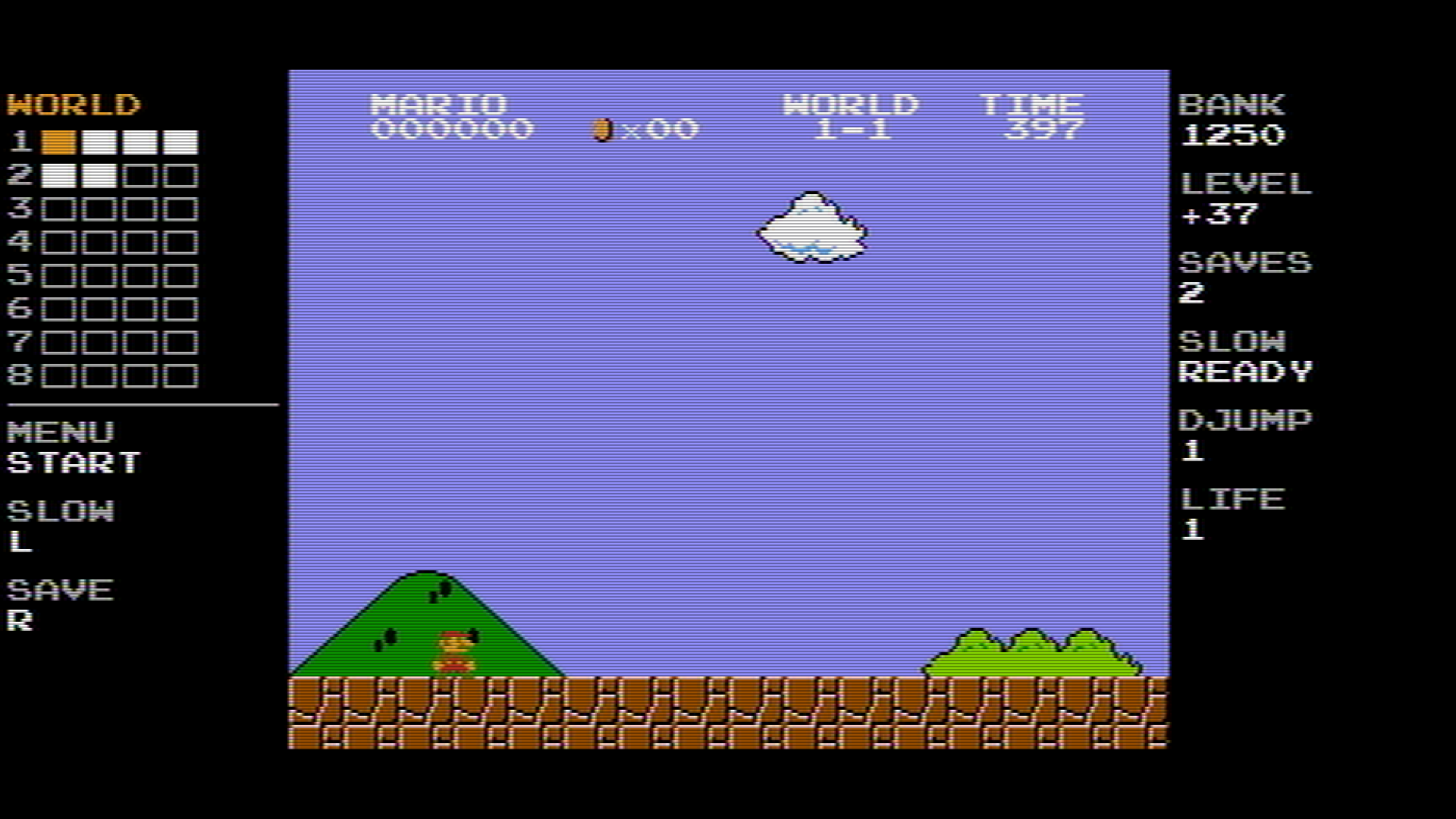
Style 2: Modern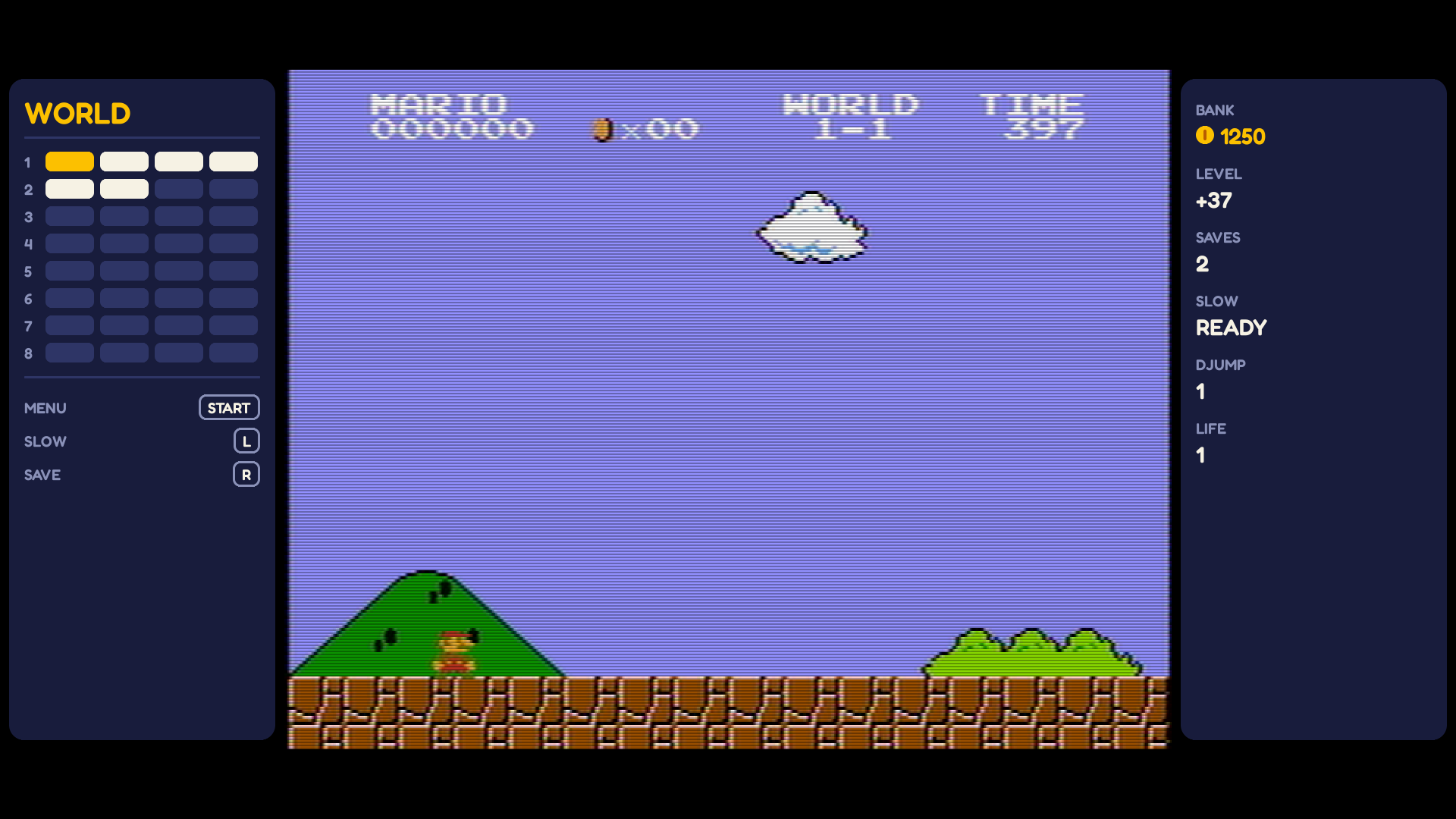
Style 3: LCD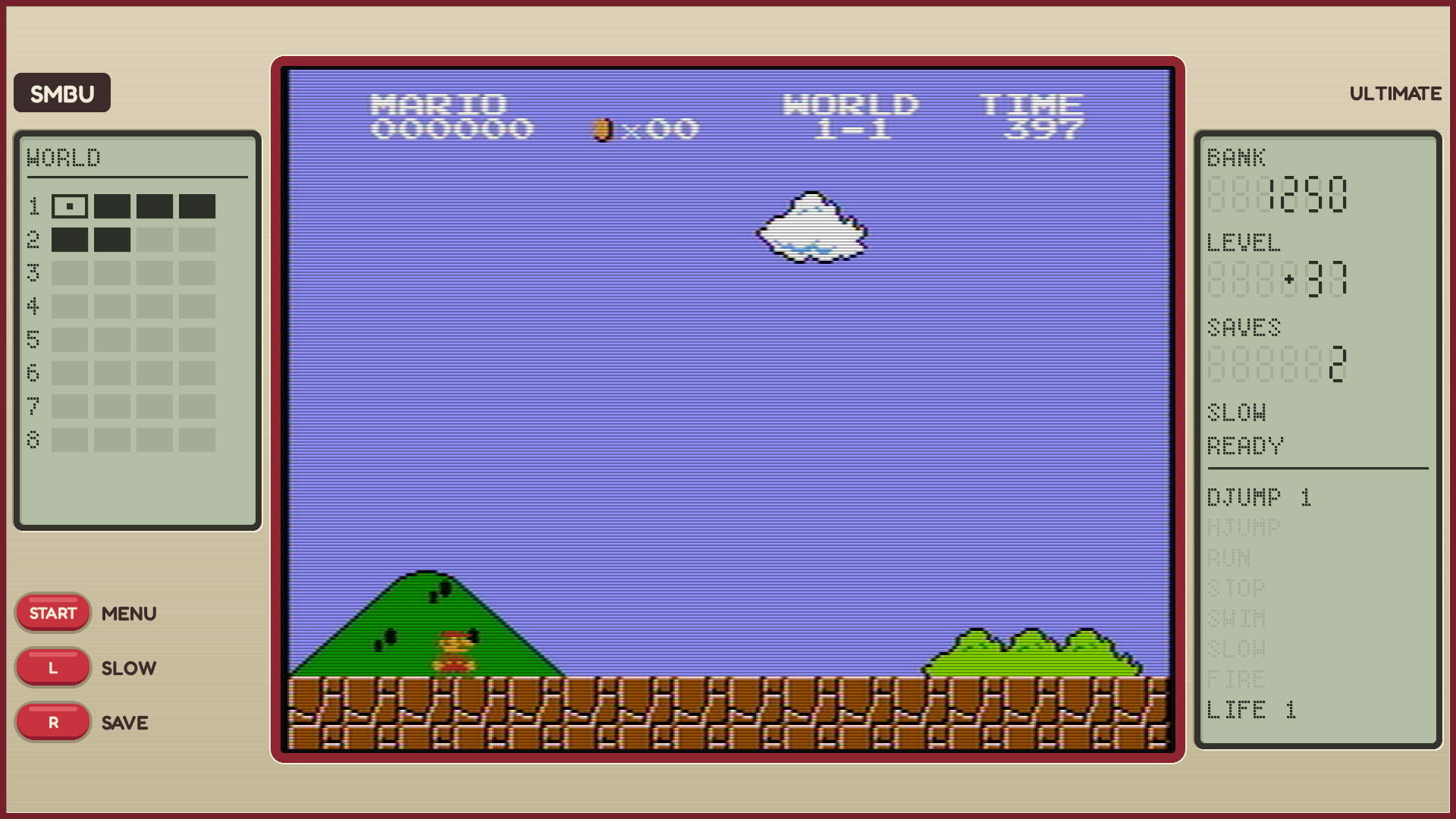
1440 x 1080
Too narrow for side panels (135 pixels a side).
Style 1: NES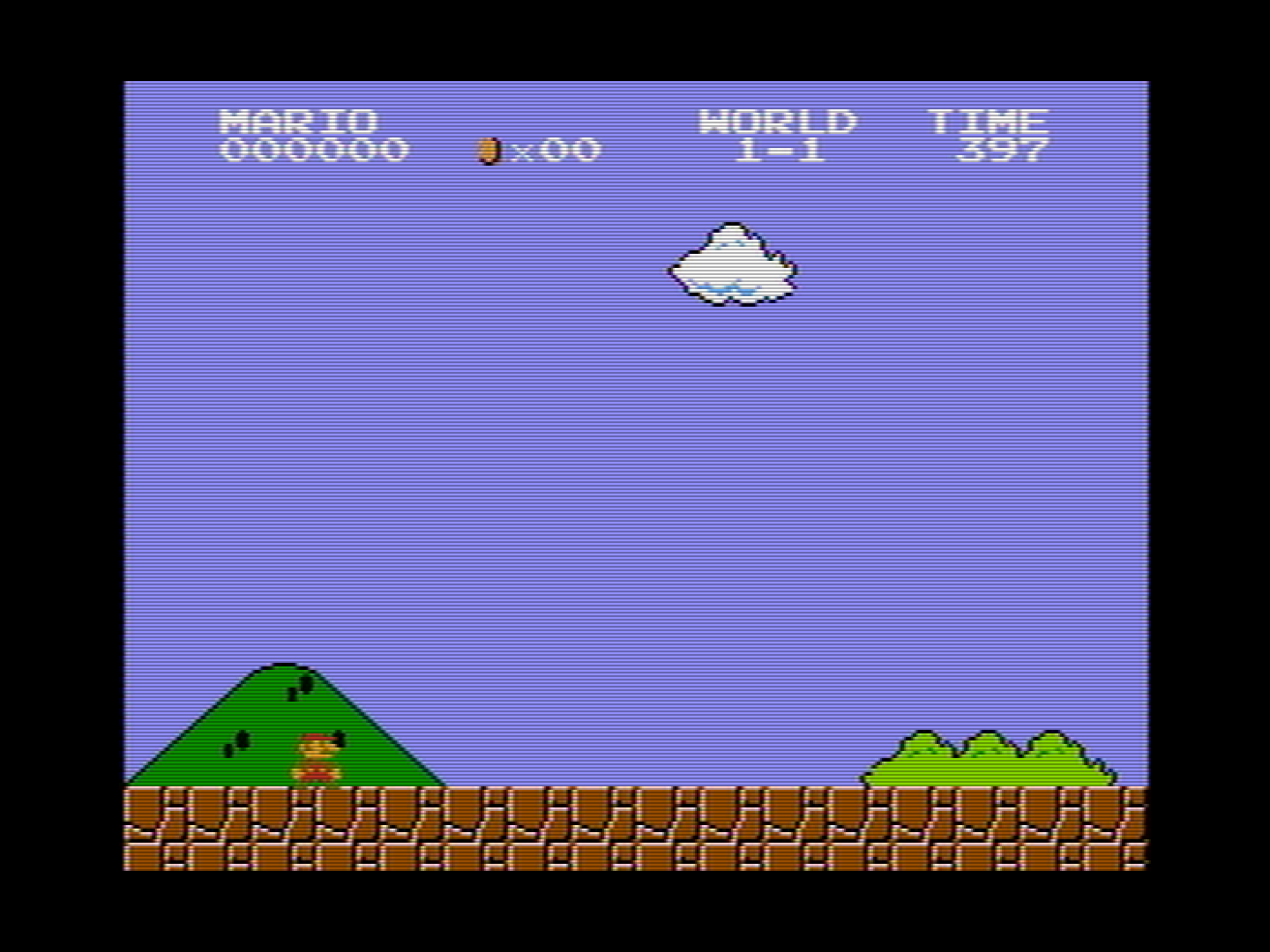
Style 2: Modern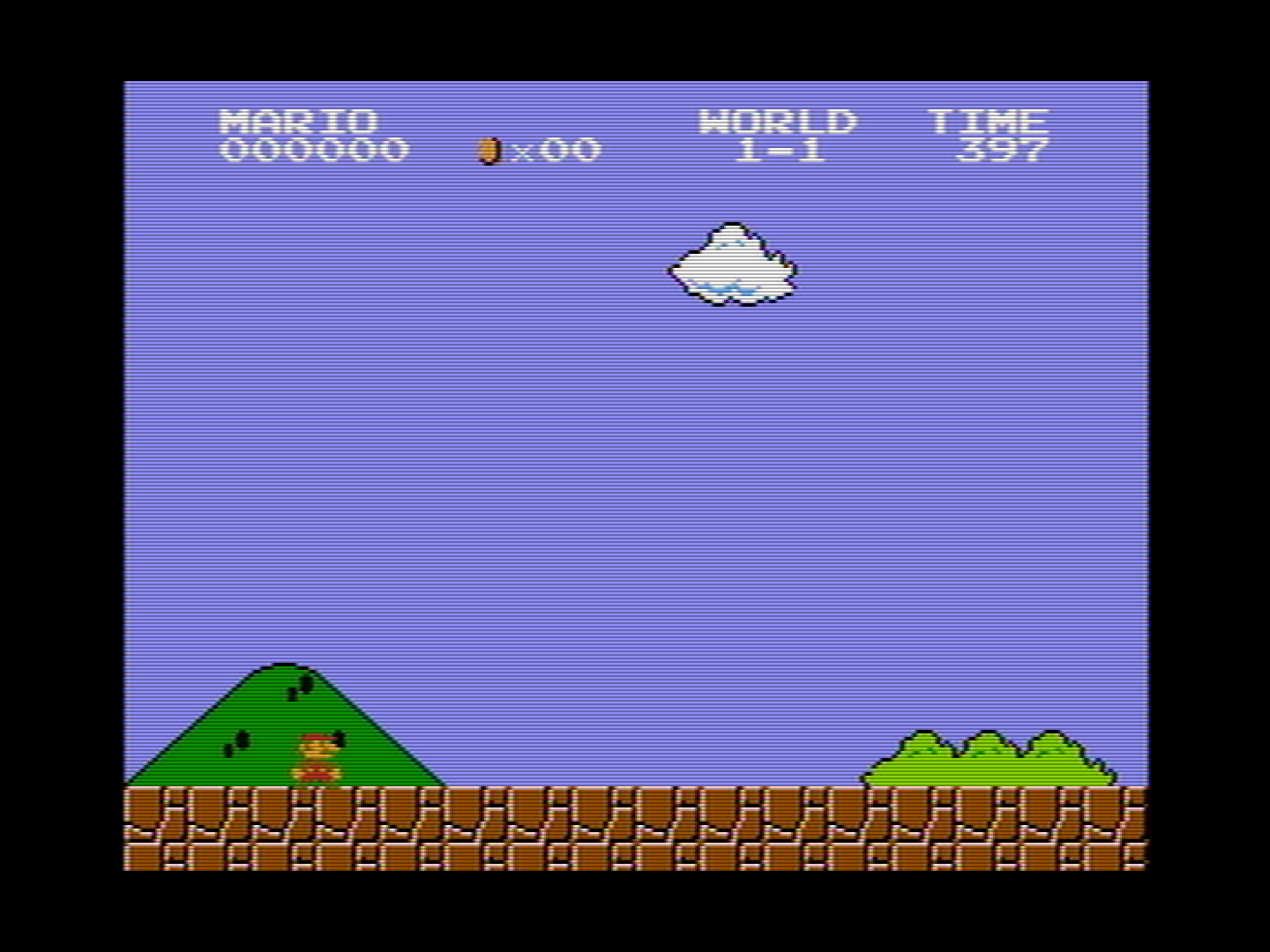
Style 3: LCD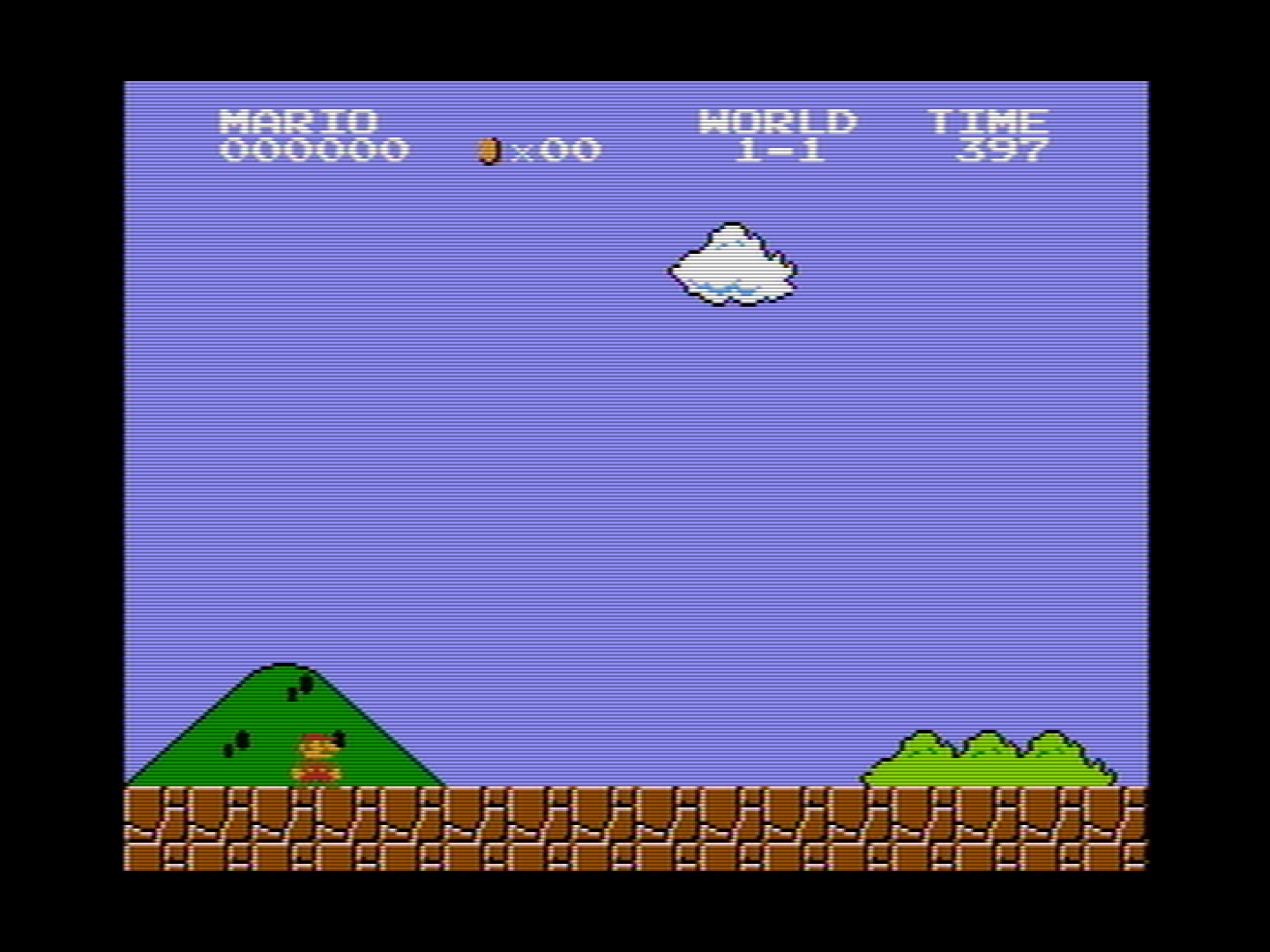
1024 x 768
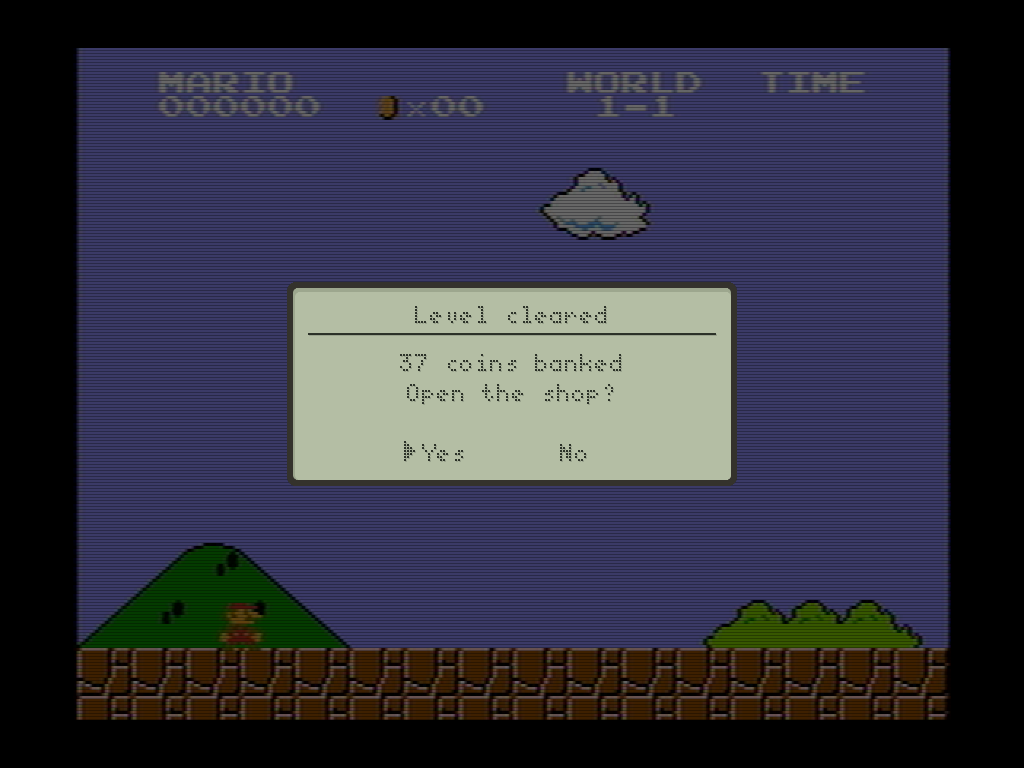
Too narrow for side panels (73 pixels a side): a 4:3 monitor.
Style 1: NES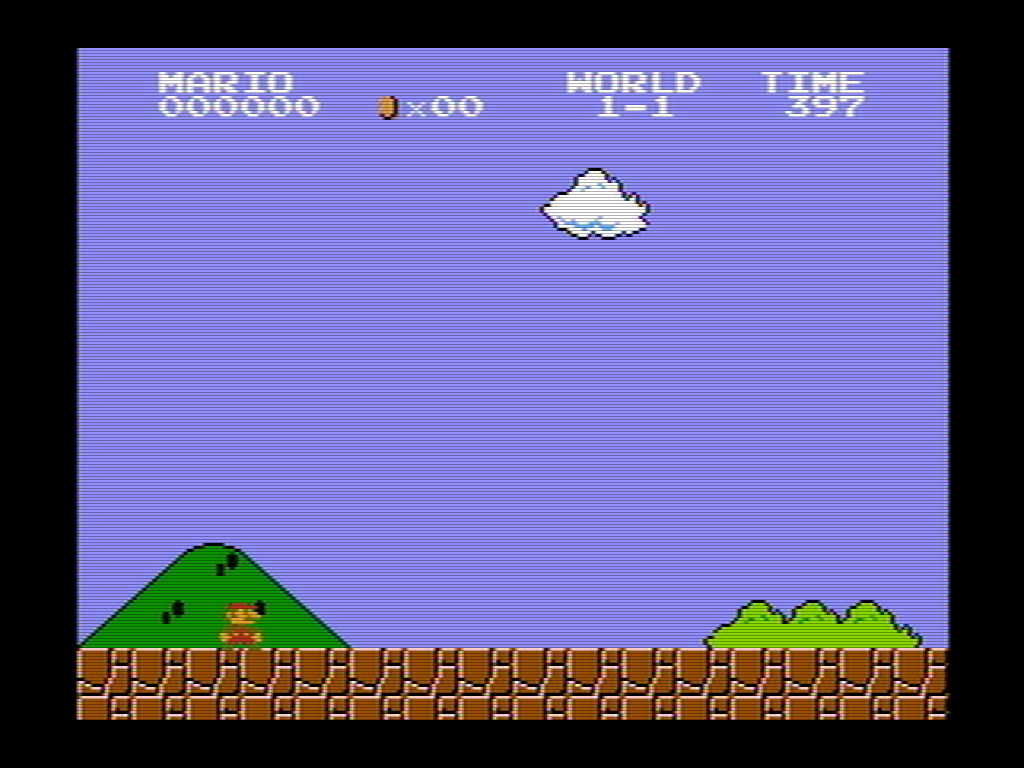
Style 2: Modern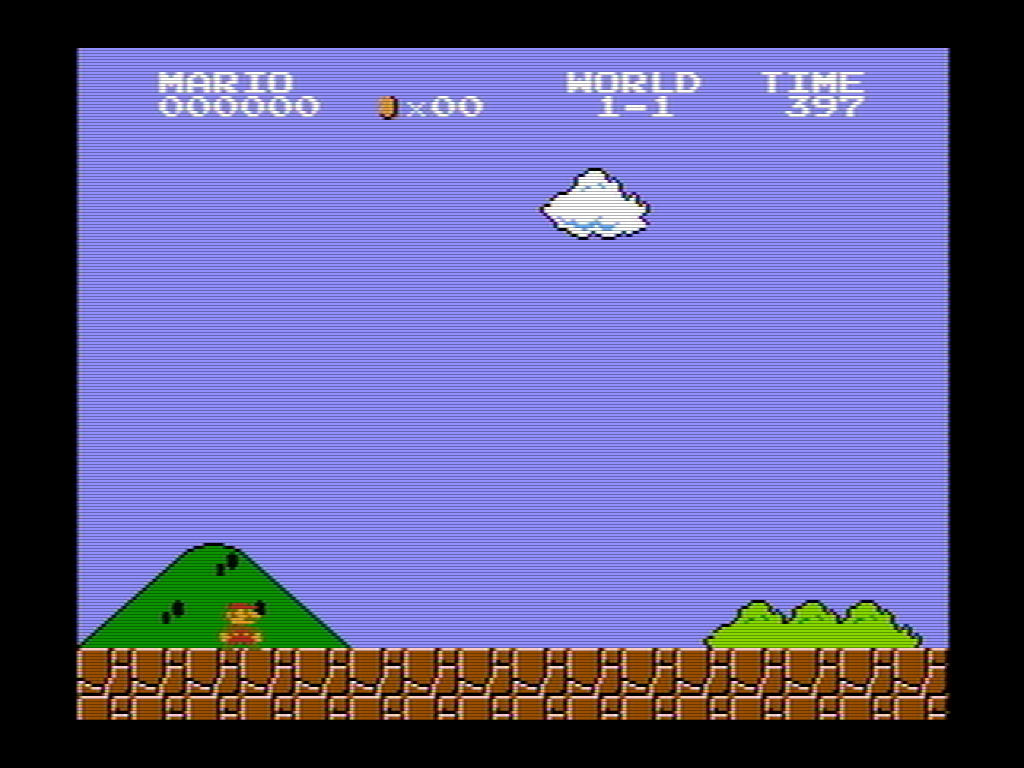
Style 3: LCD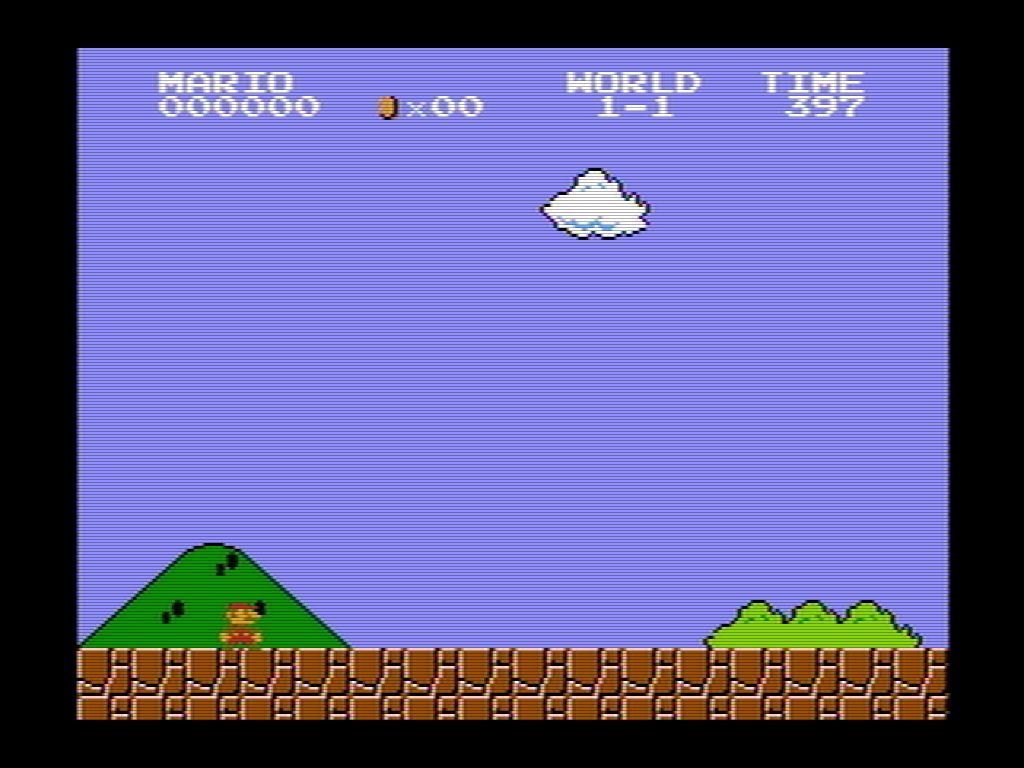
?World 1-2Commentary
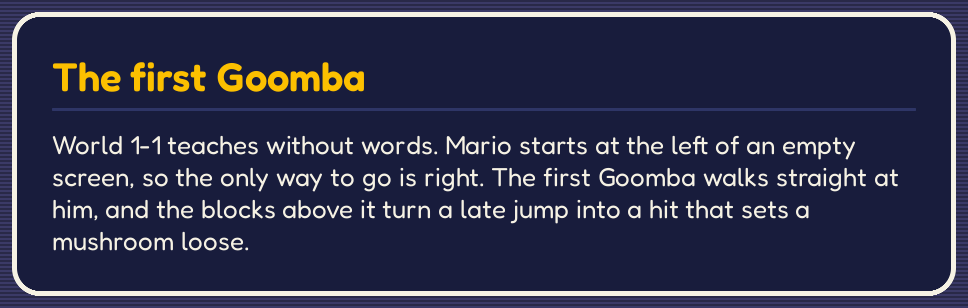
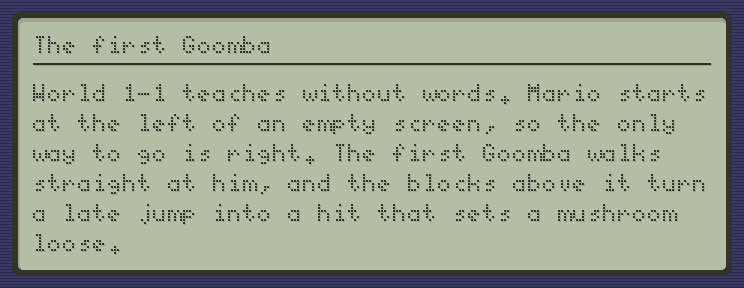
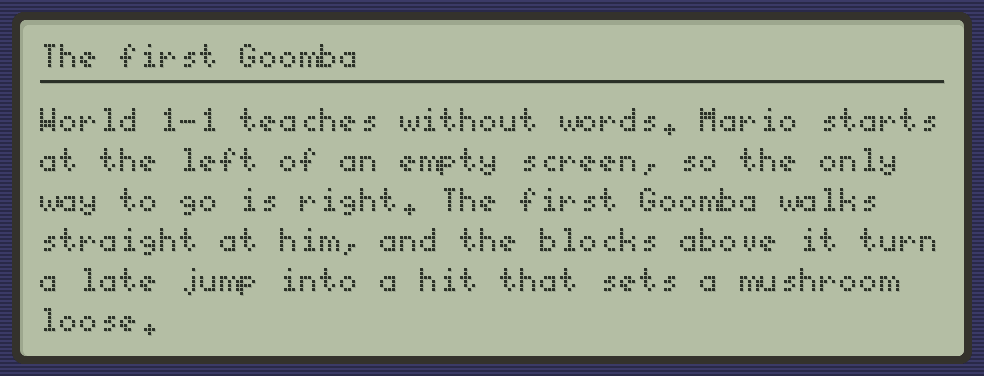
The idea is borrowed from the developer commentary in Valve's games, such as Portal and Half-Life 2, where you walk up to a floating speech bubble in a level to hear the developers talk about that spot. Here, commentary you have unlocked in the shop shows as an icon in the level. Touching the icon pauses the game and displays a short text about the area, an enemy, a trick and so on.
The game is paused and a commentary text is drawn over the picture, so it is the same in a wide and in a narrow window.
1280 x 720
The narrowest side panels: 201 pixels a side.
Style 1: NES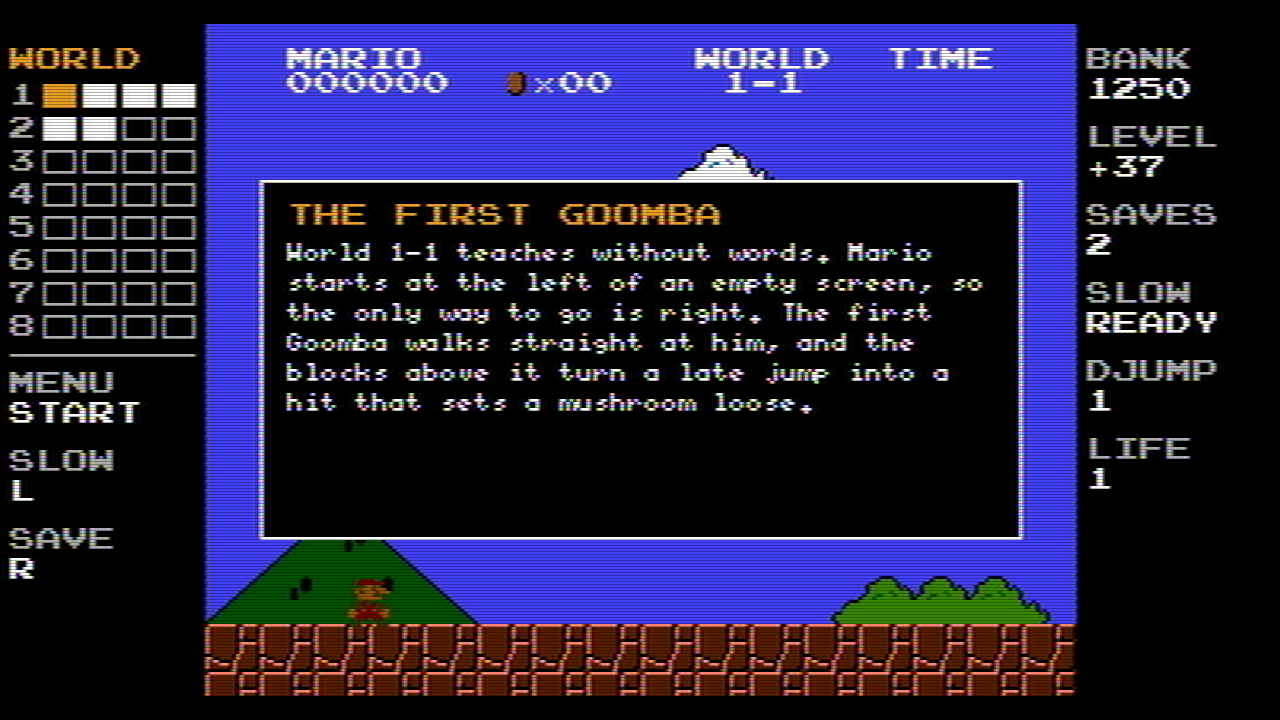
Style 2: Modern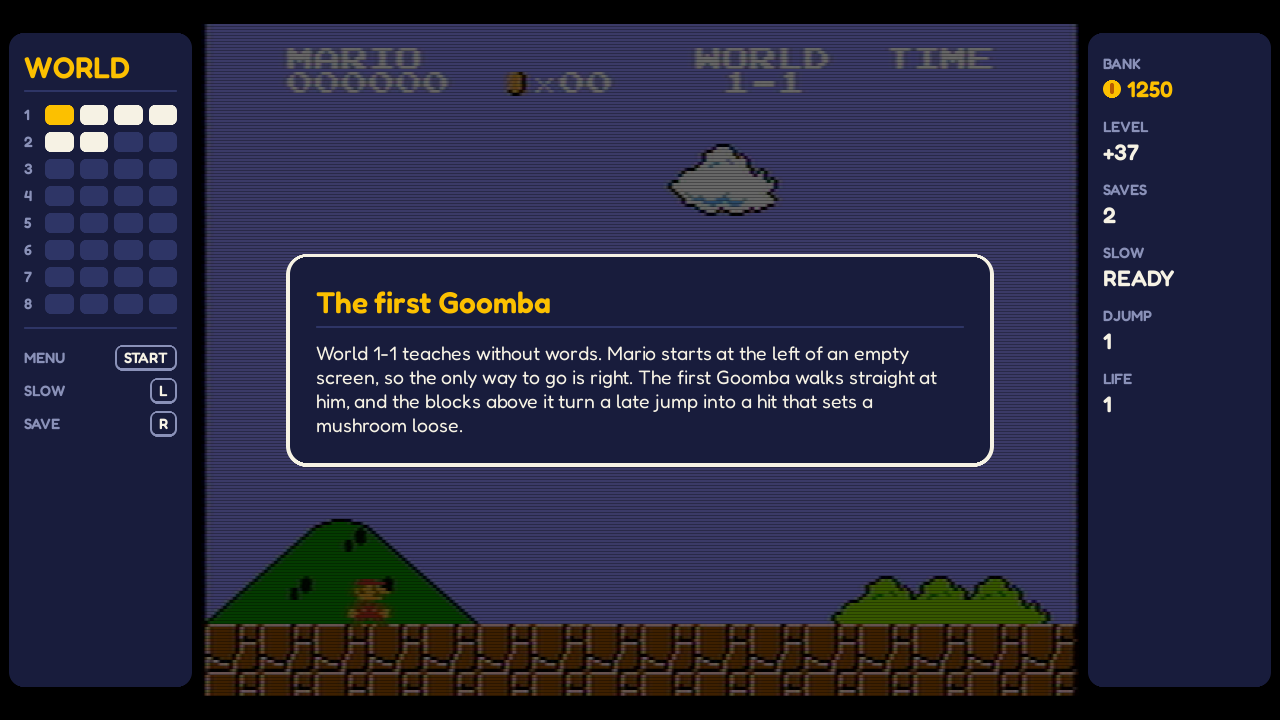
Style 3: LCD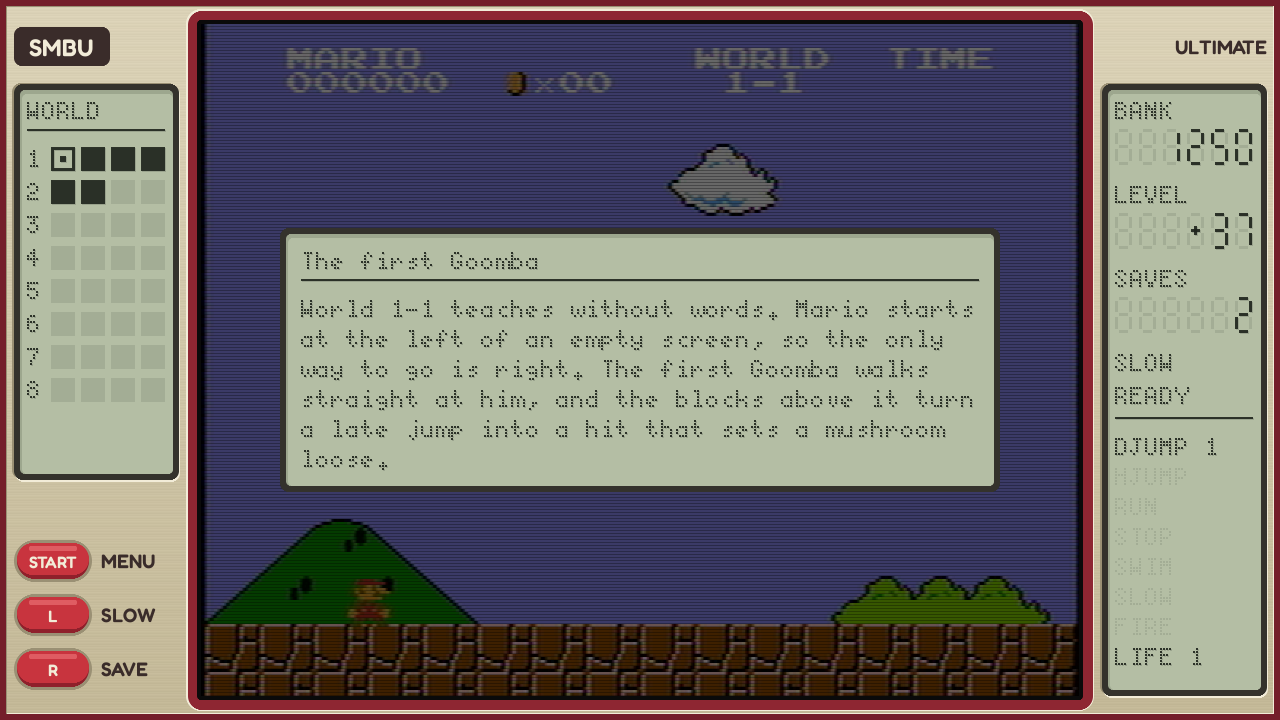
1920 x 1080
The common case: 375 pixels a side.
Style 1: NES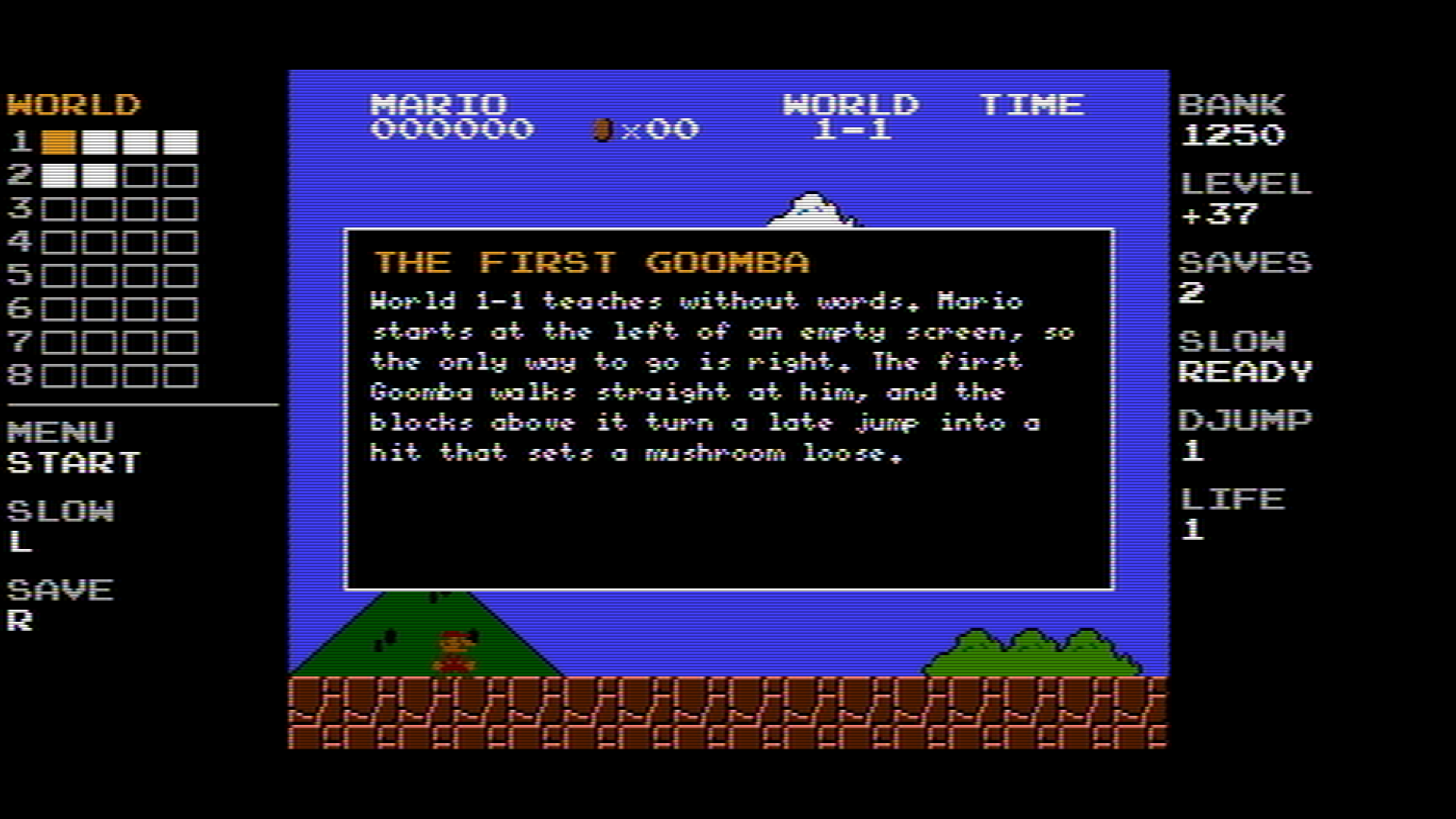
Style 2: Modern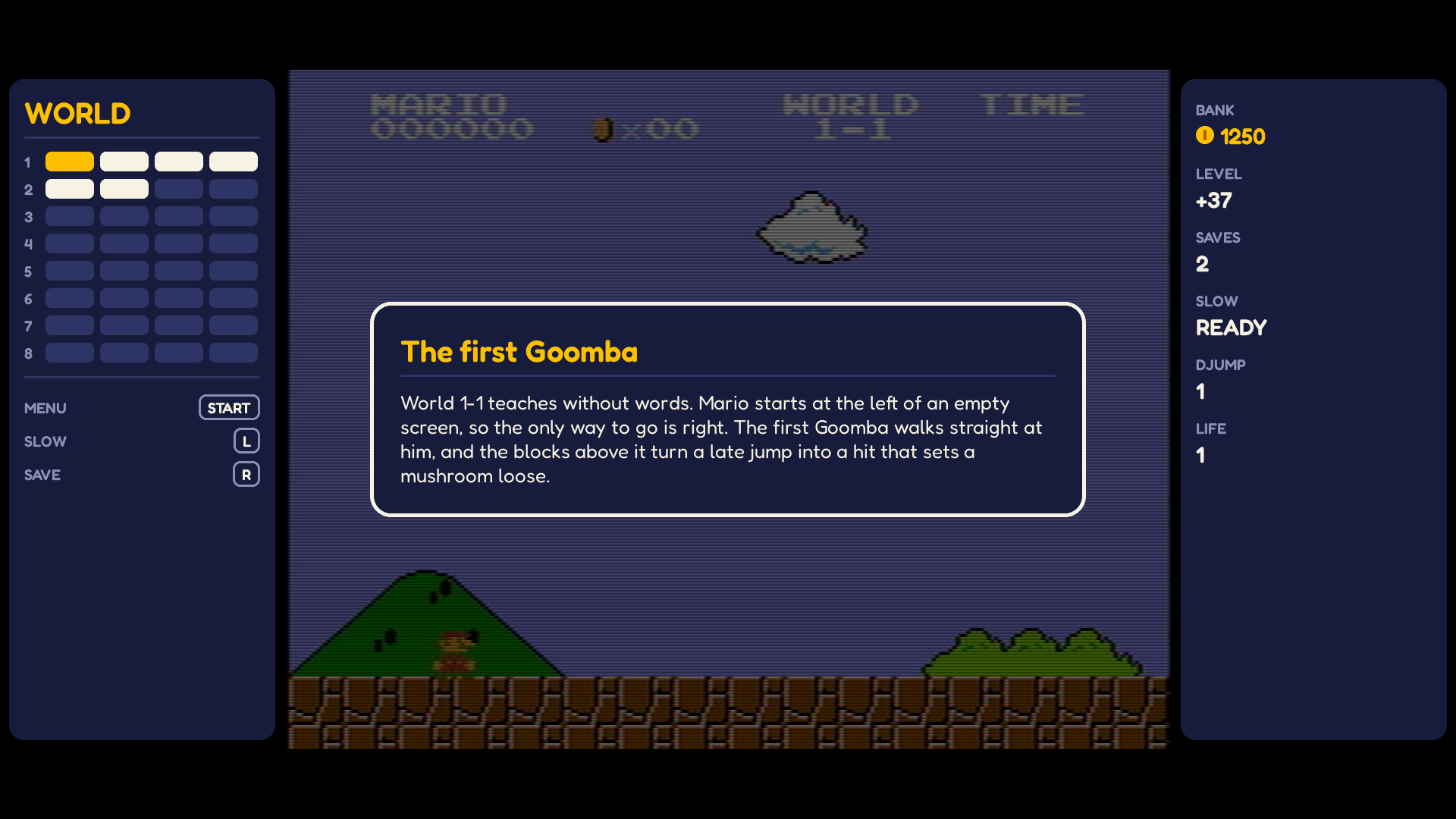
Style 3: LCD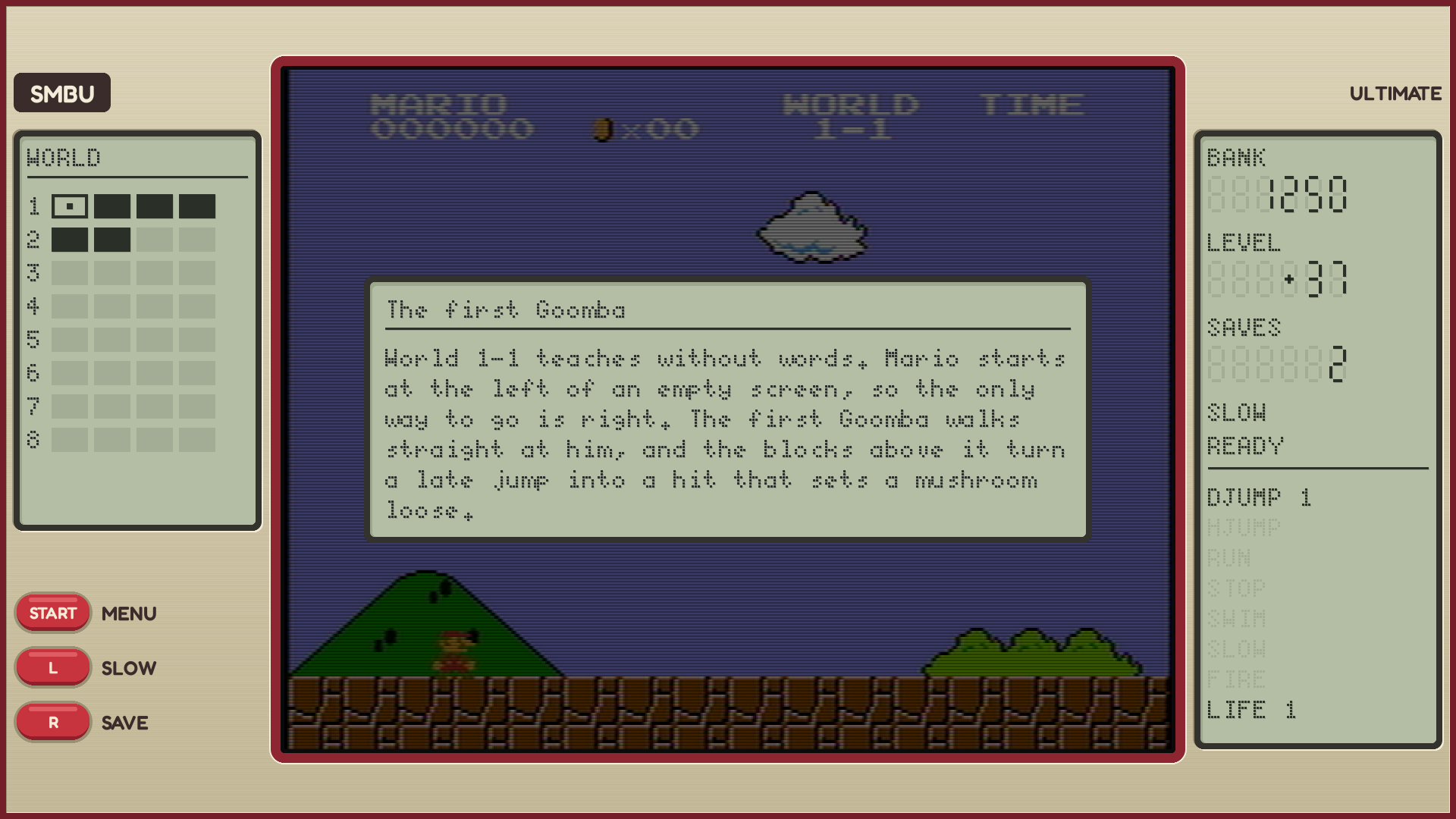
1440 x 1080
Too narrow for side panels (135 pixels a side).
Style 1: NES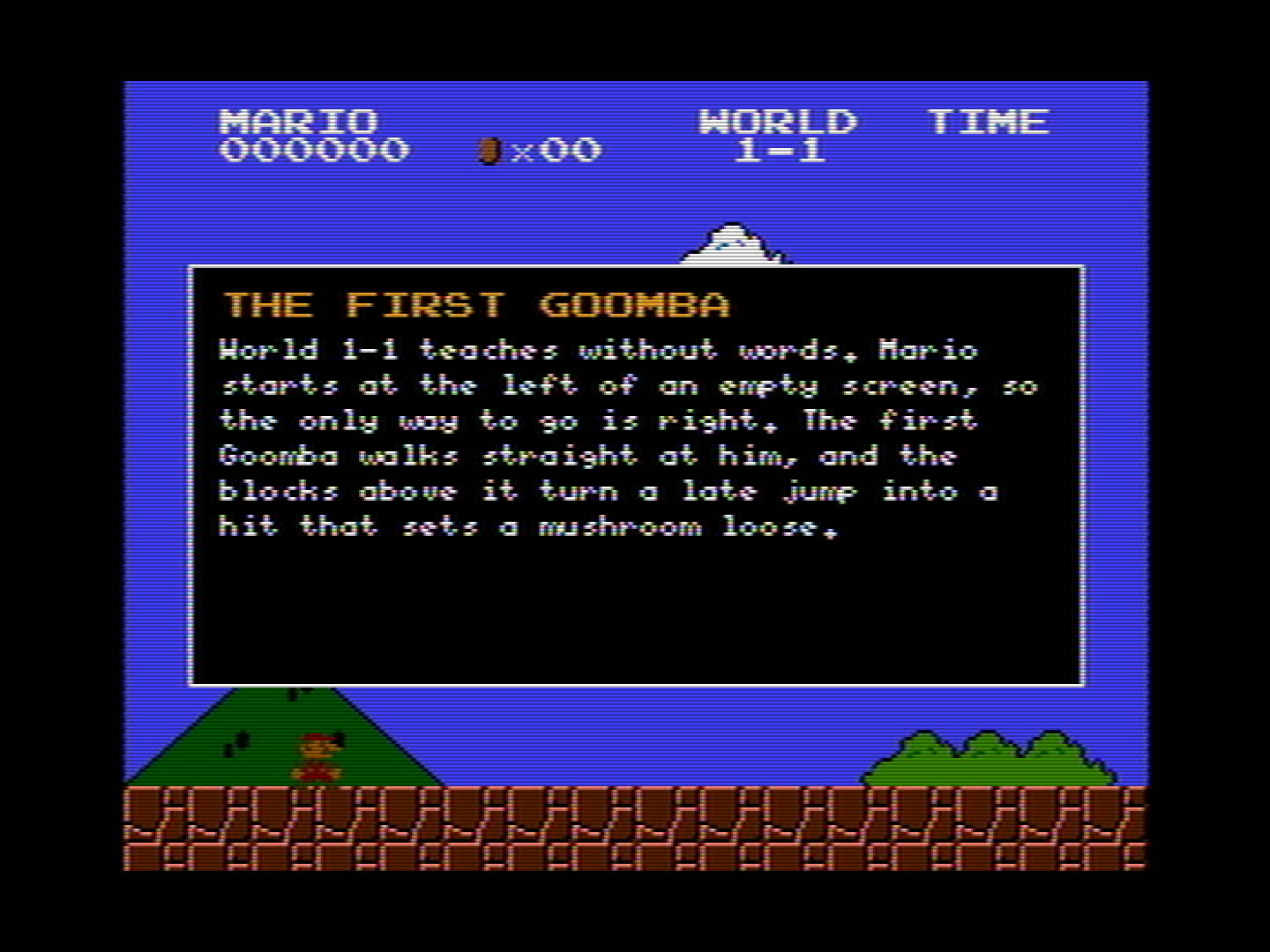
Style 2: Modern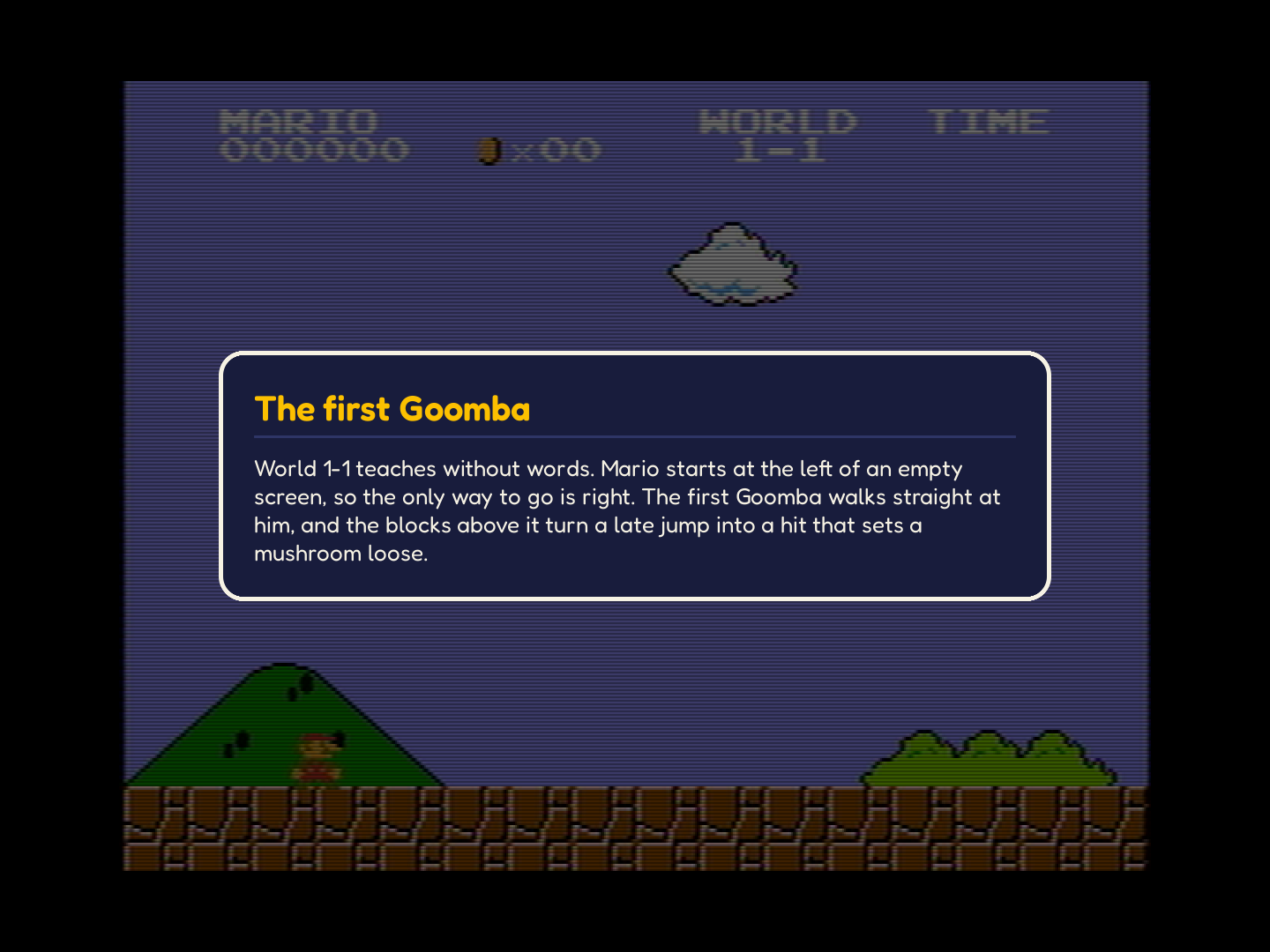
Style 3: LCD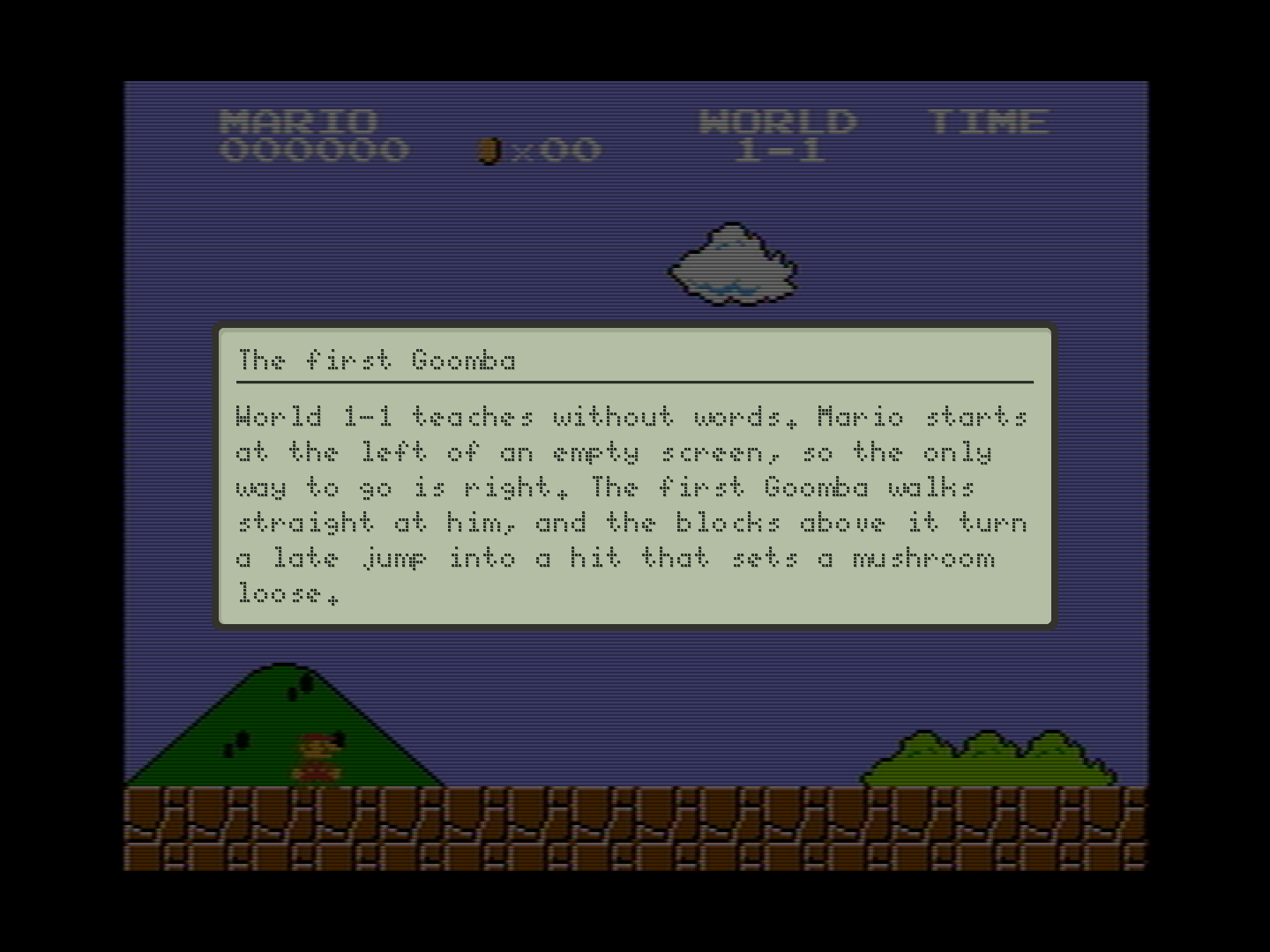
1024 x 768
Too narrow for side panels (73 pixels a side): a 4:3 monitor.
Style 1: NES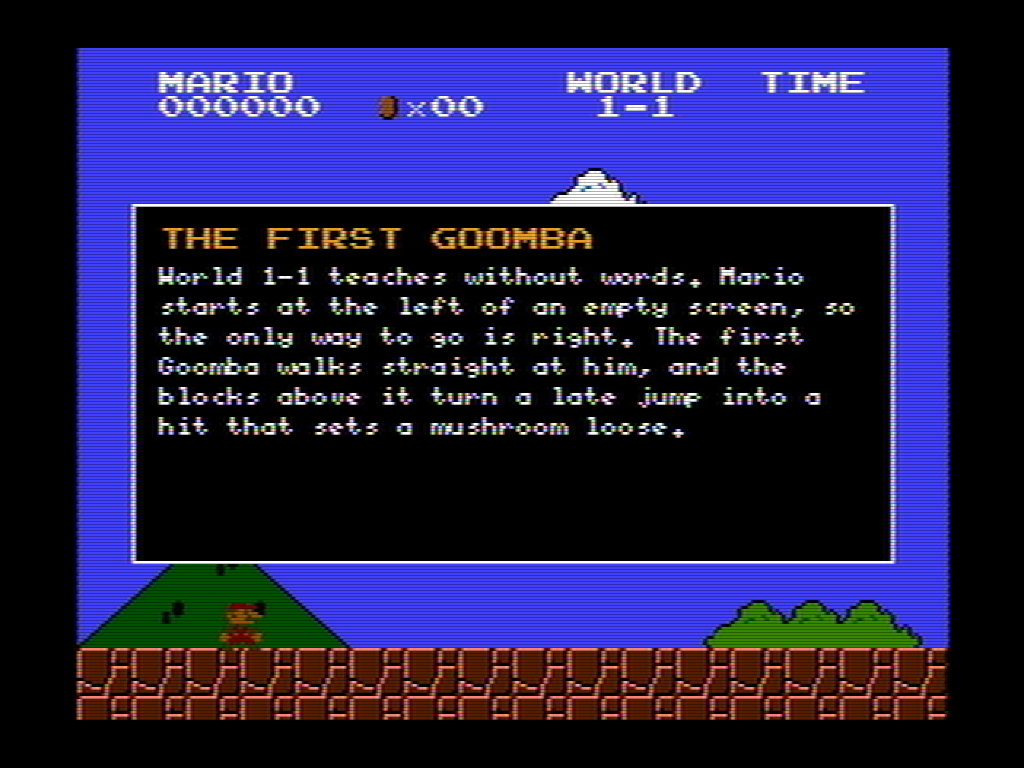
Style 2: Modern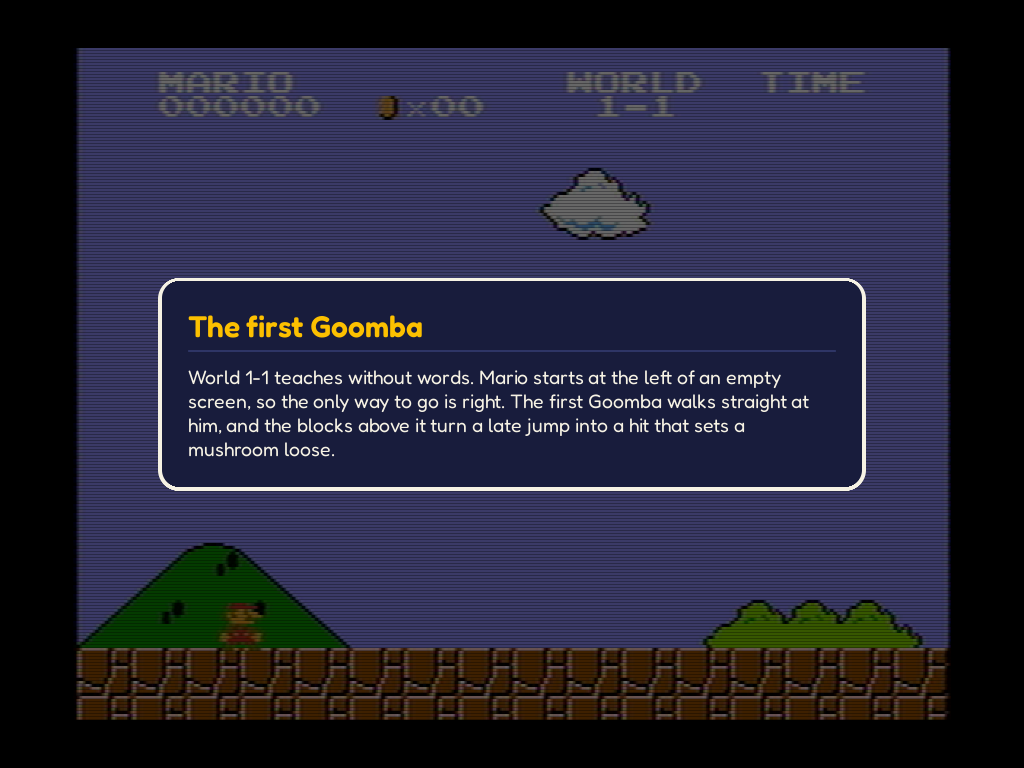
Style 3: LCD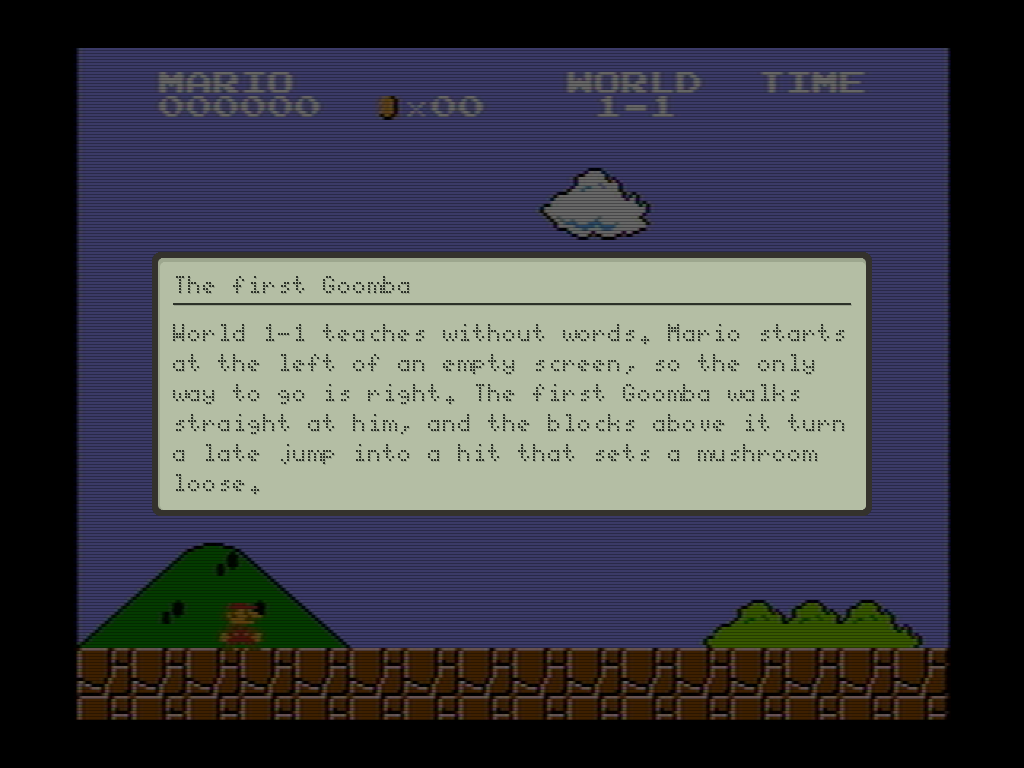
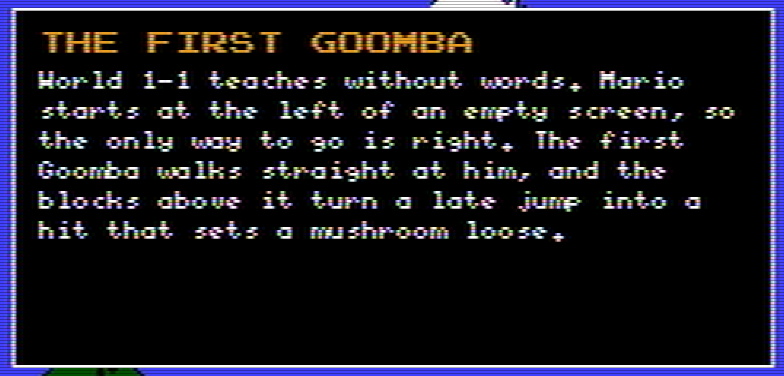
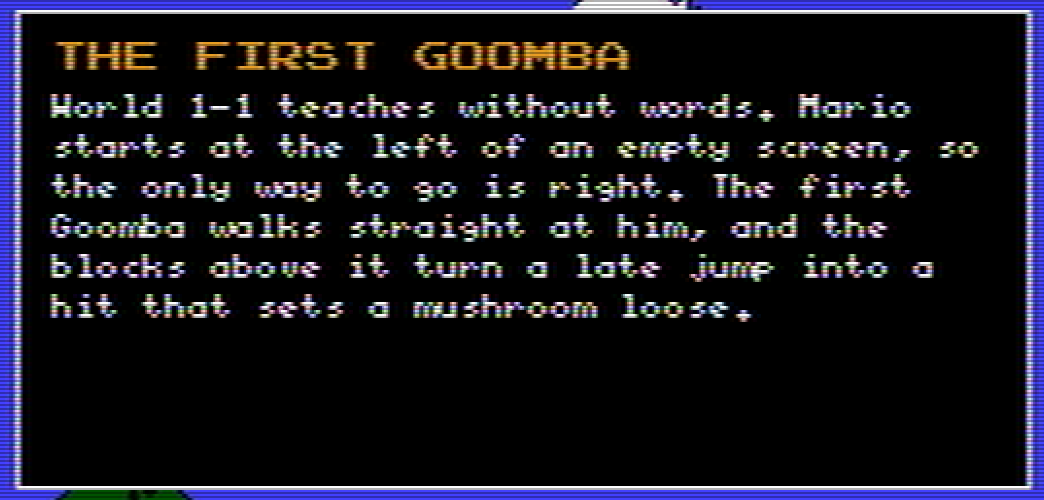
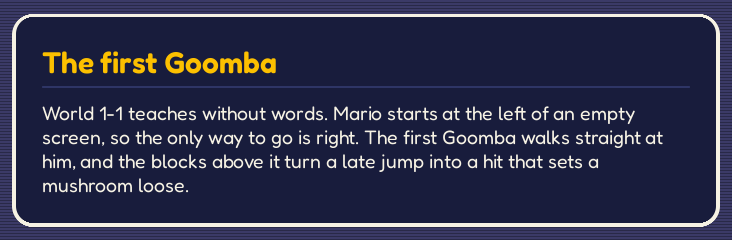
At 1:1
Cut from the captures above and never scaled, as a scaled capture blurs the text. A crop wider than the page scrolls sideways.
?World 1-3The pause menu
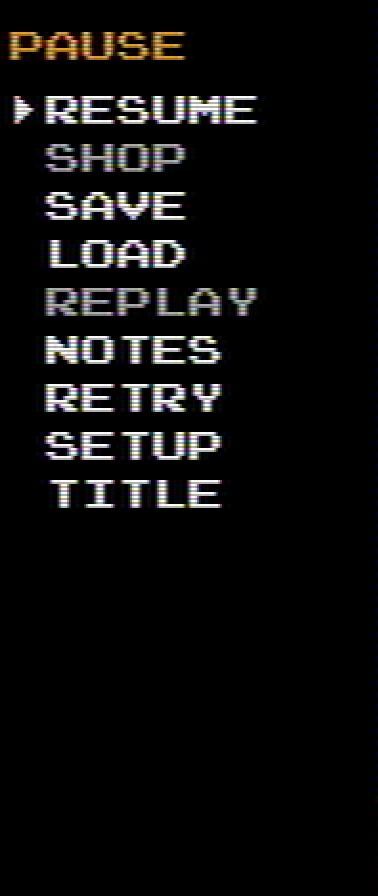
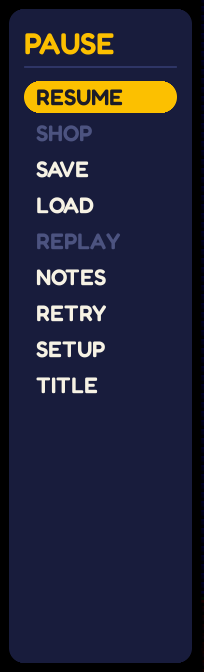
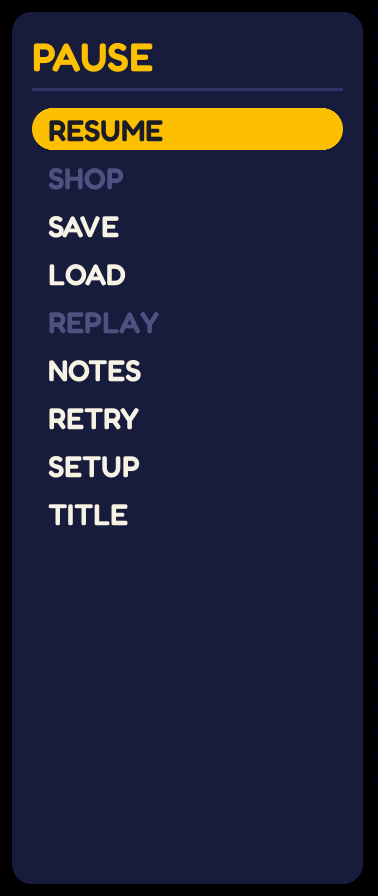
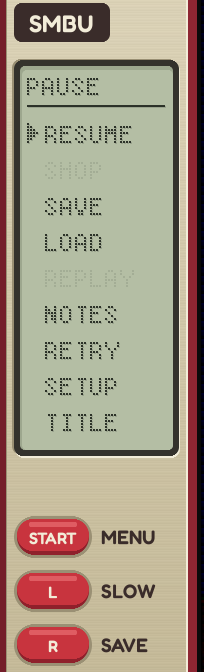
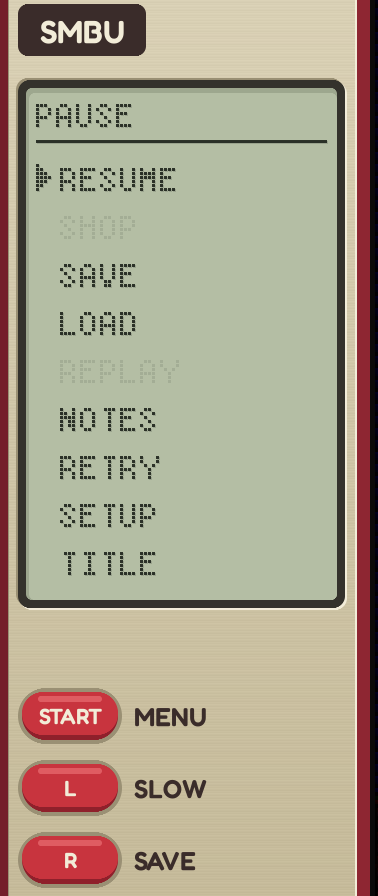
The game is paused with the Start button on a controller, or the P key on a keyboard. The left-side panel becomes the menu. If the side panels do not fit, the menu is displayed in a box over the dimmed game in the background.
1280 x 720
The narrowest side panels: 201 pixels a side.
Style 1: NES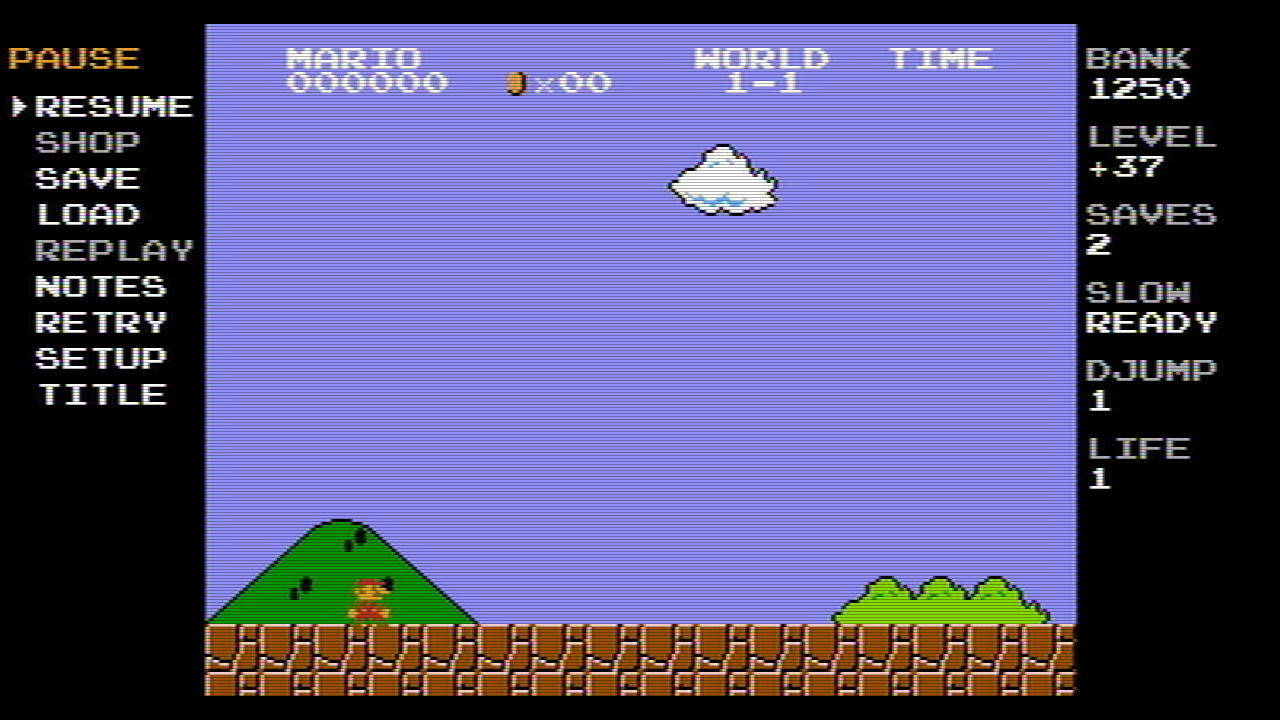
Style 2: Modern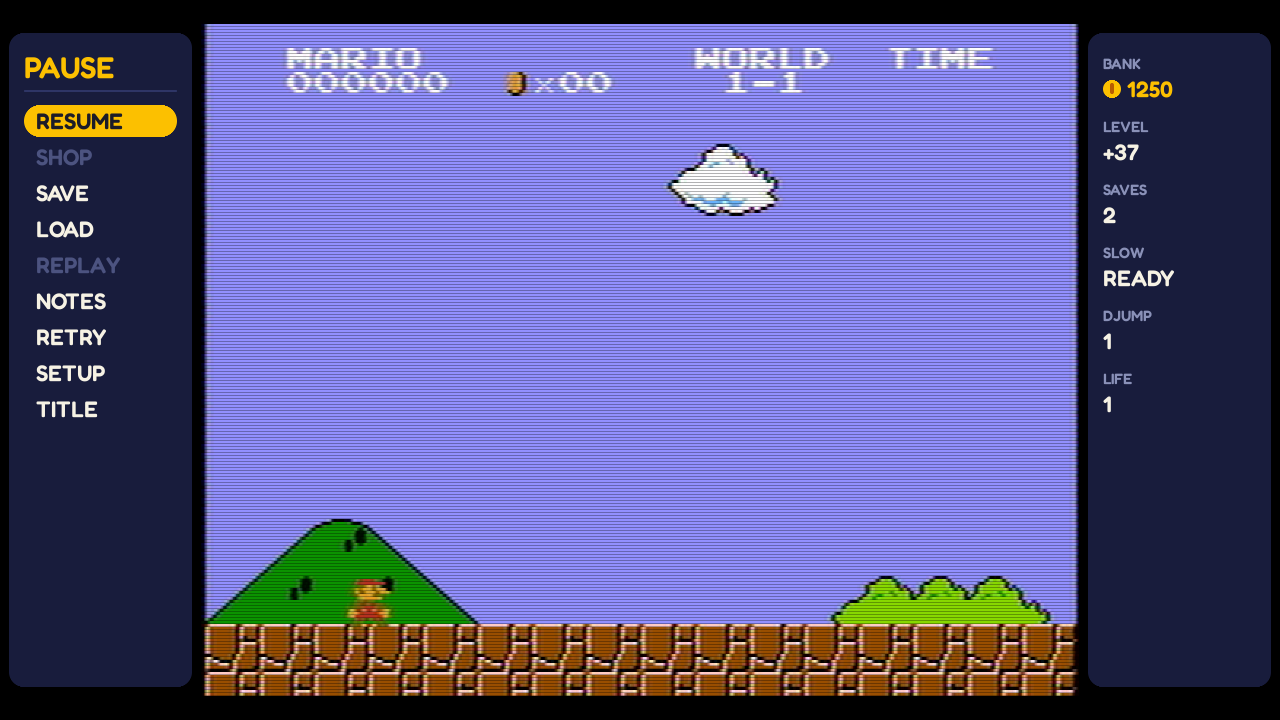
Style 3: LCD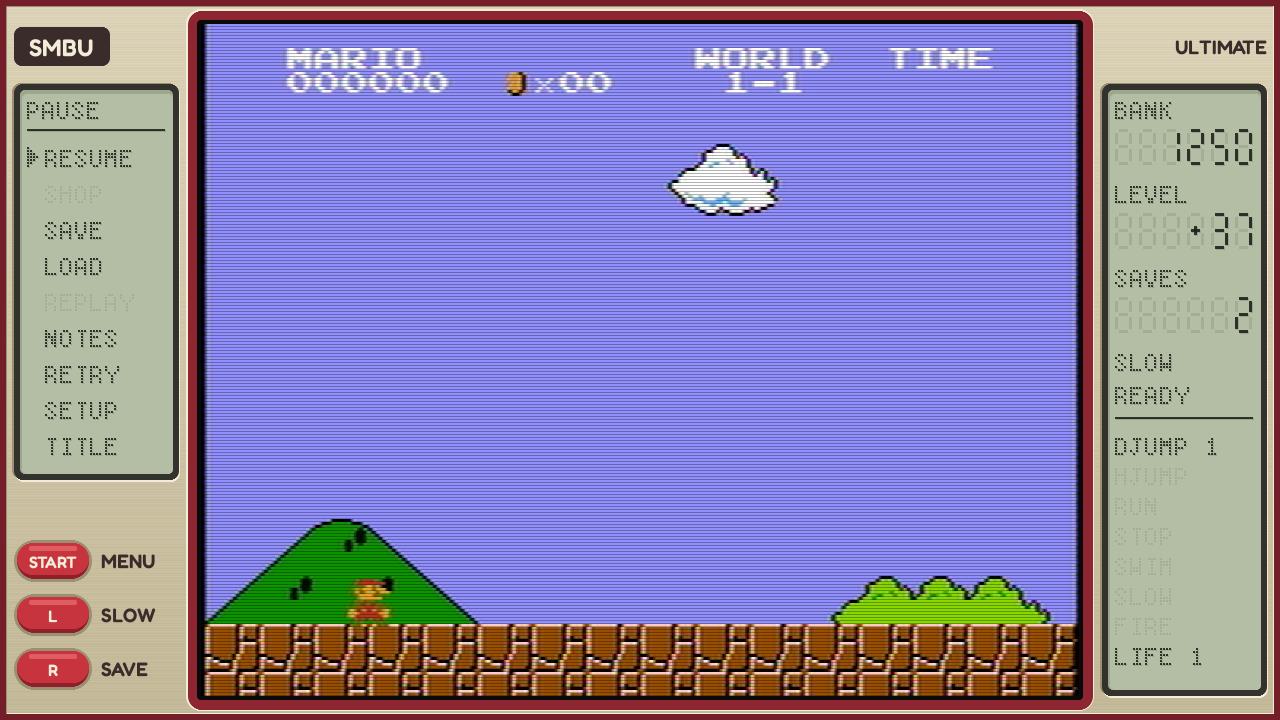
1920 x 1080
The common case: 375 pixels a side.
Style 1: NES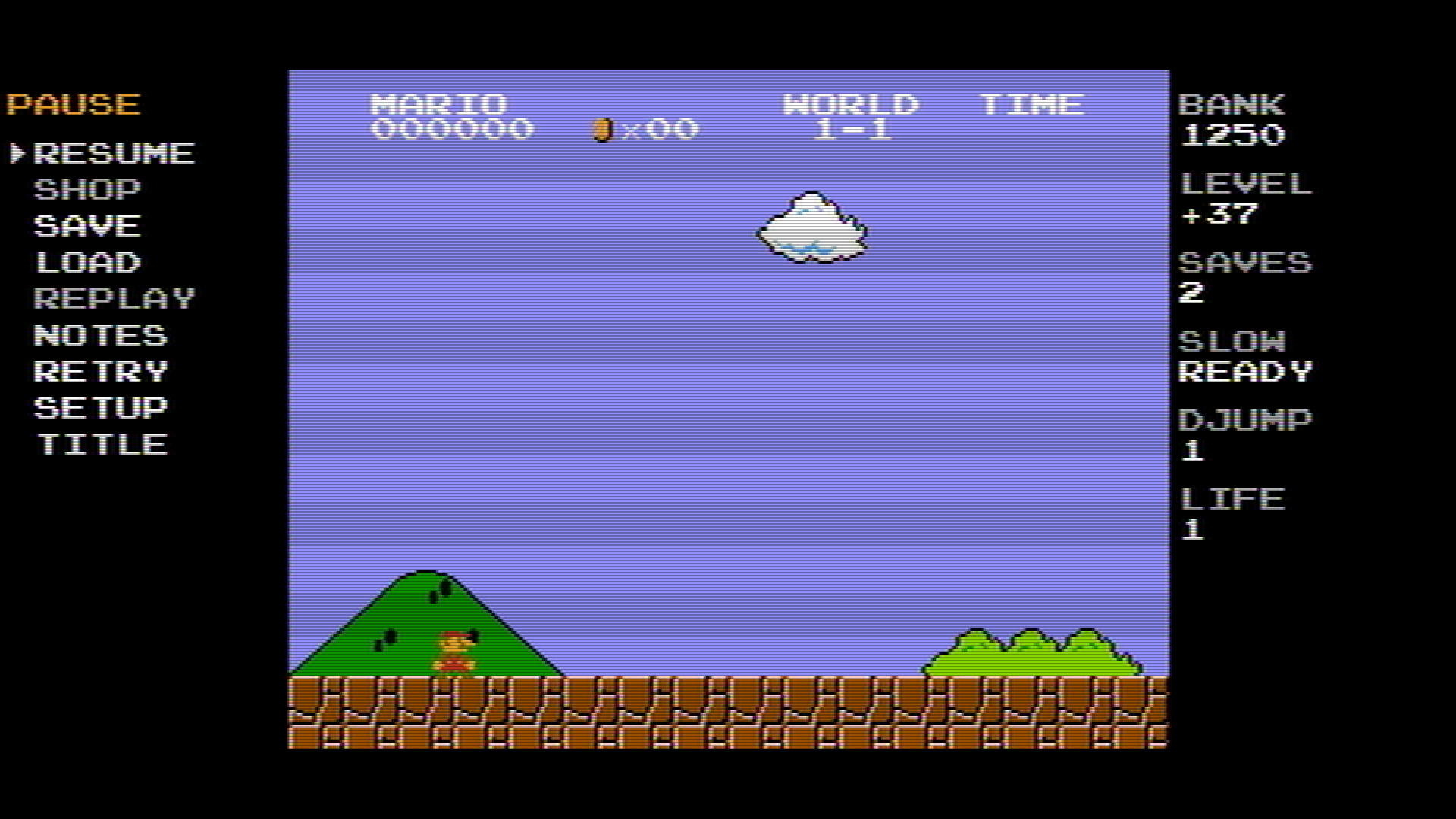
Style 2: Modern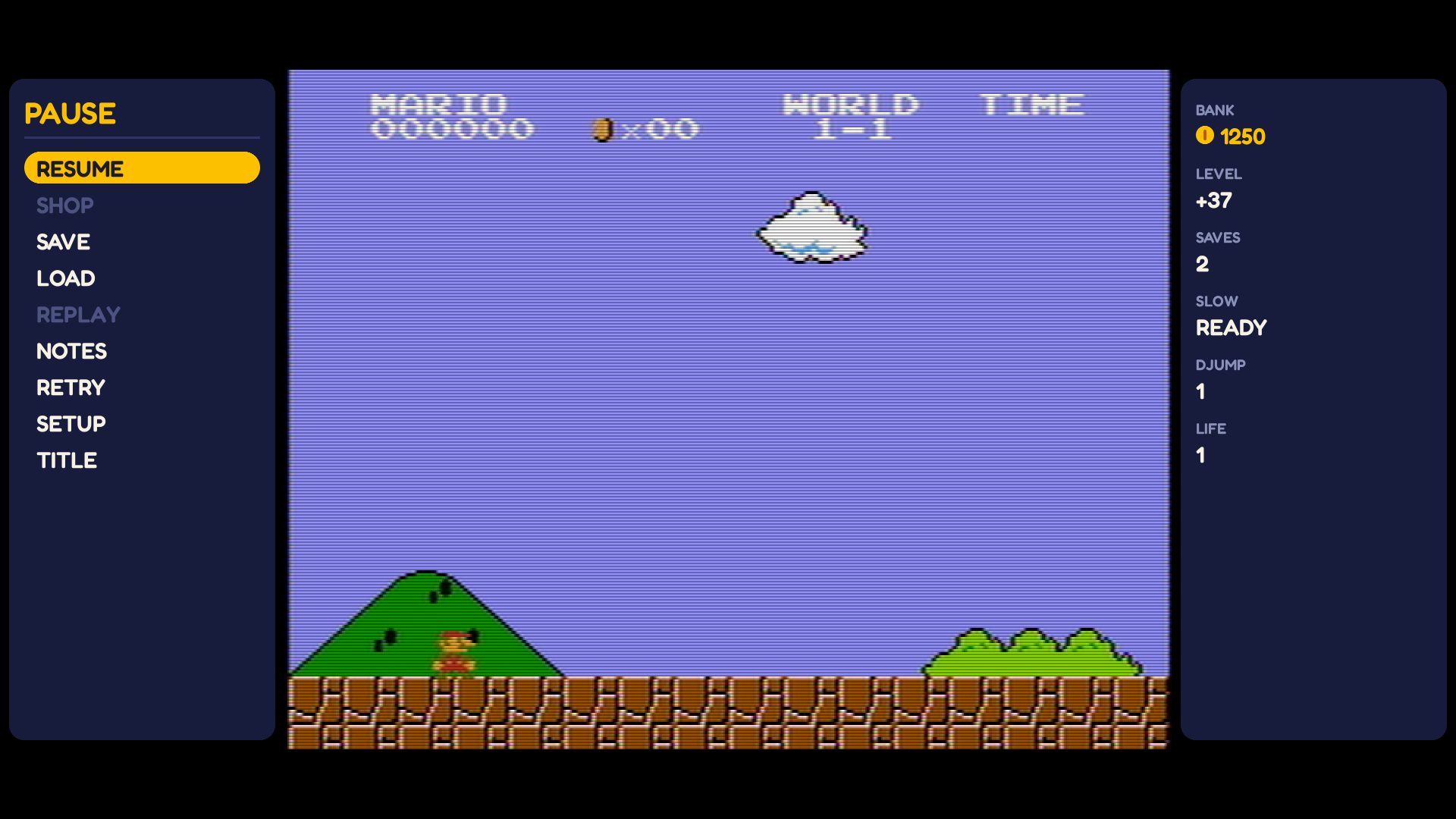
Style 3: LCD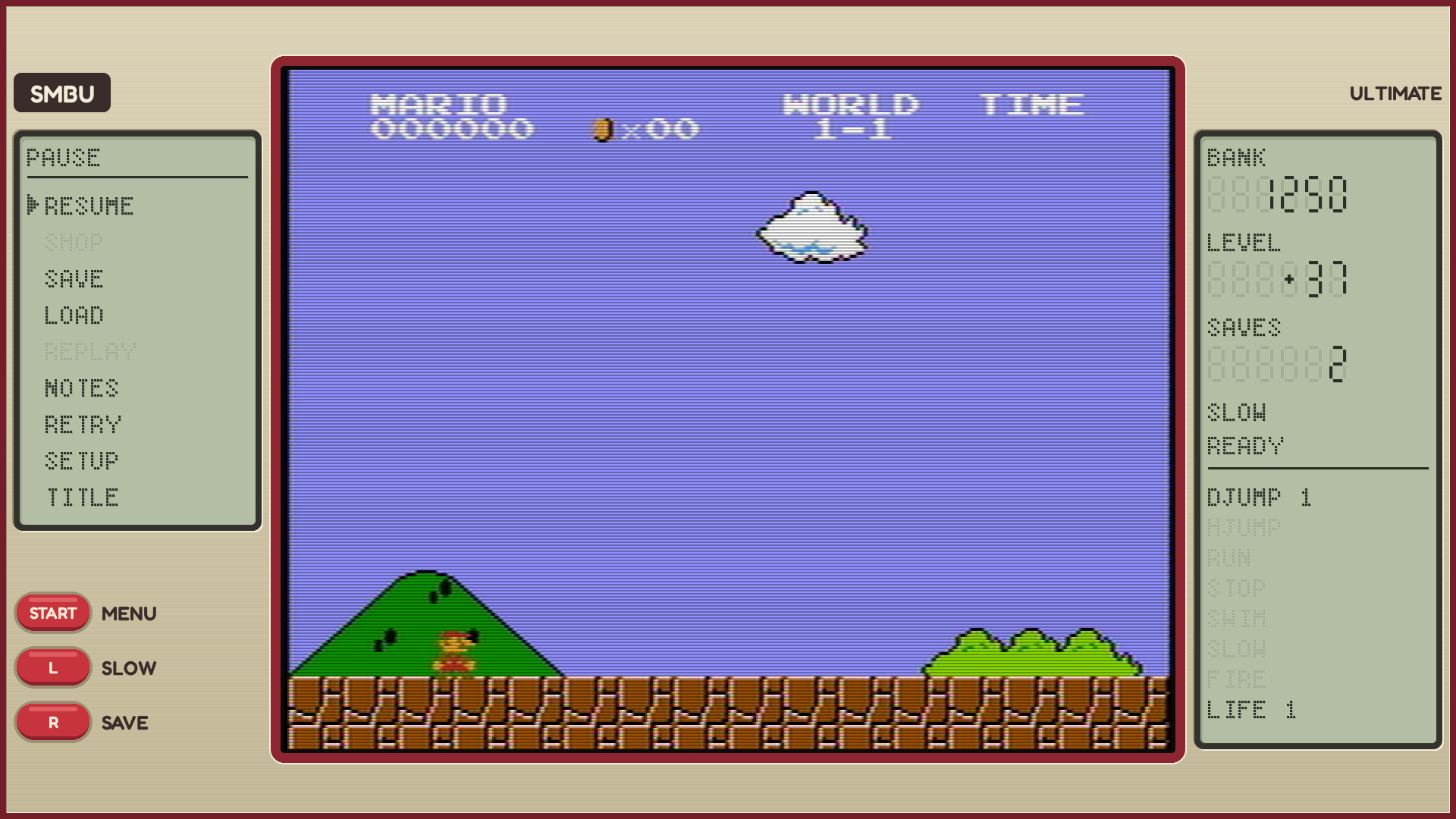
1440 x 1080
Too narrow for side panels (135 pixels a side).
Style 1: NES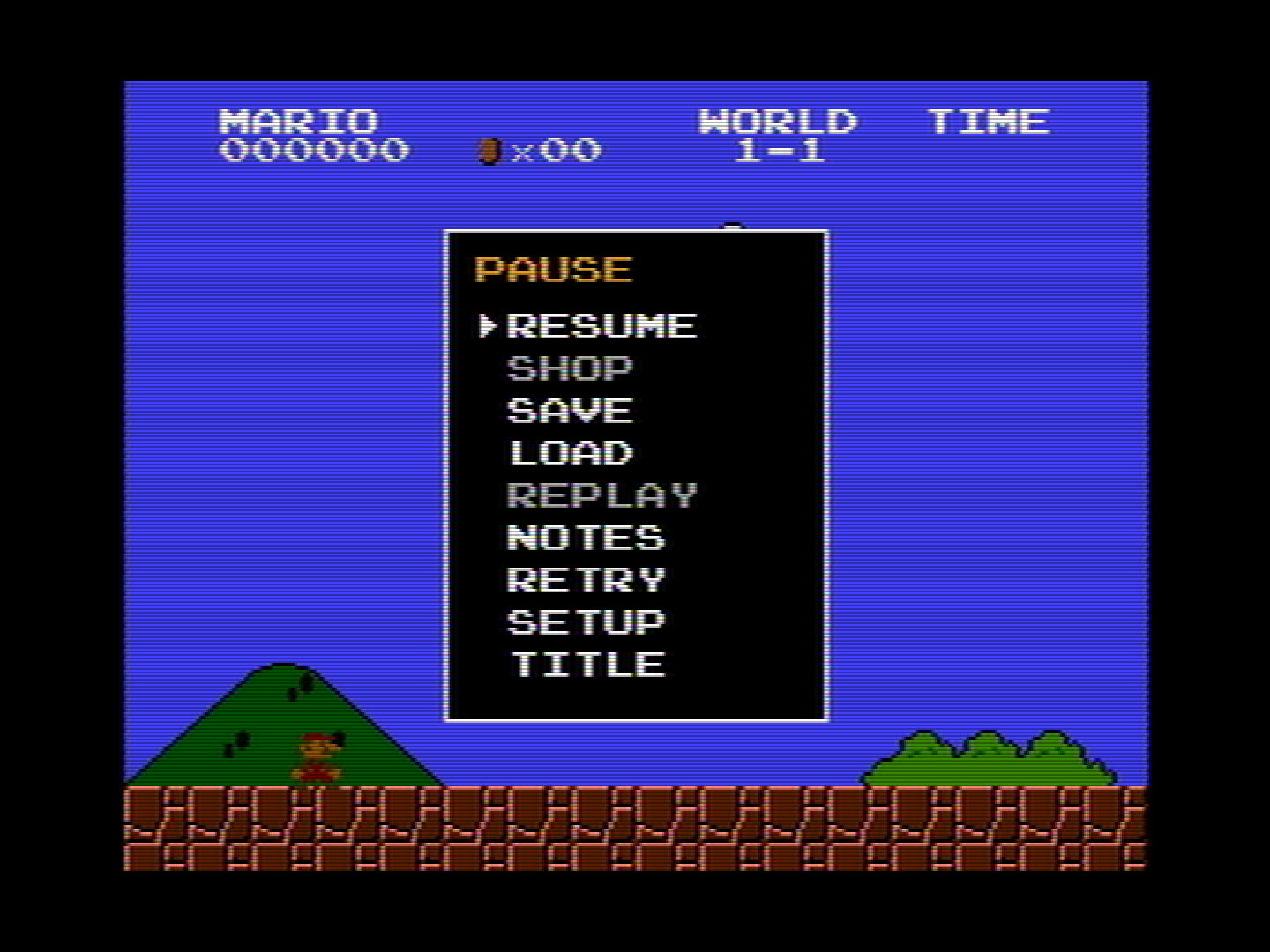
Style 2: Modern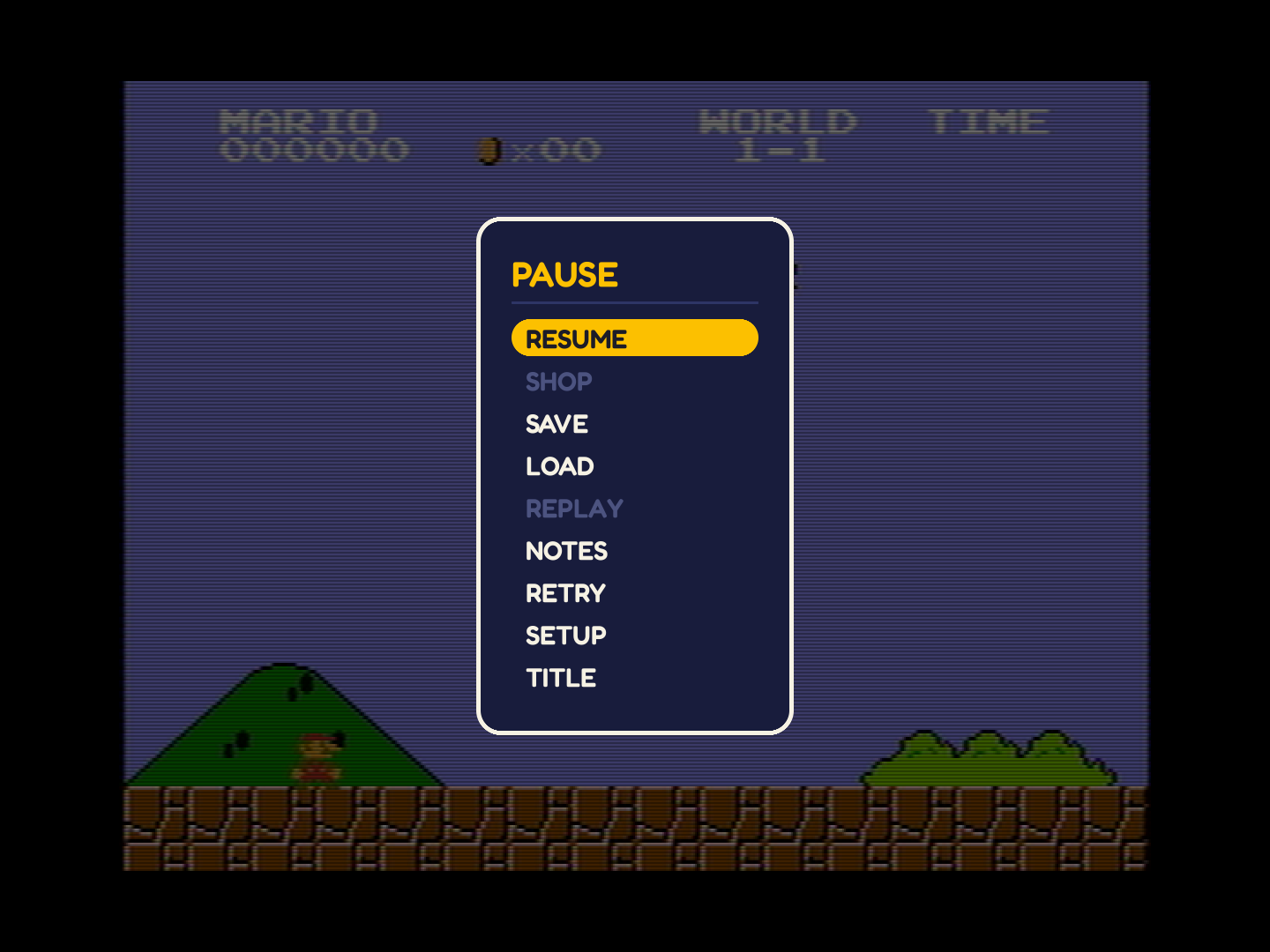
Style 3: LCD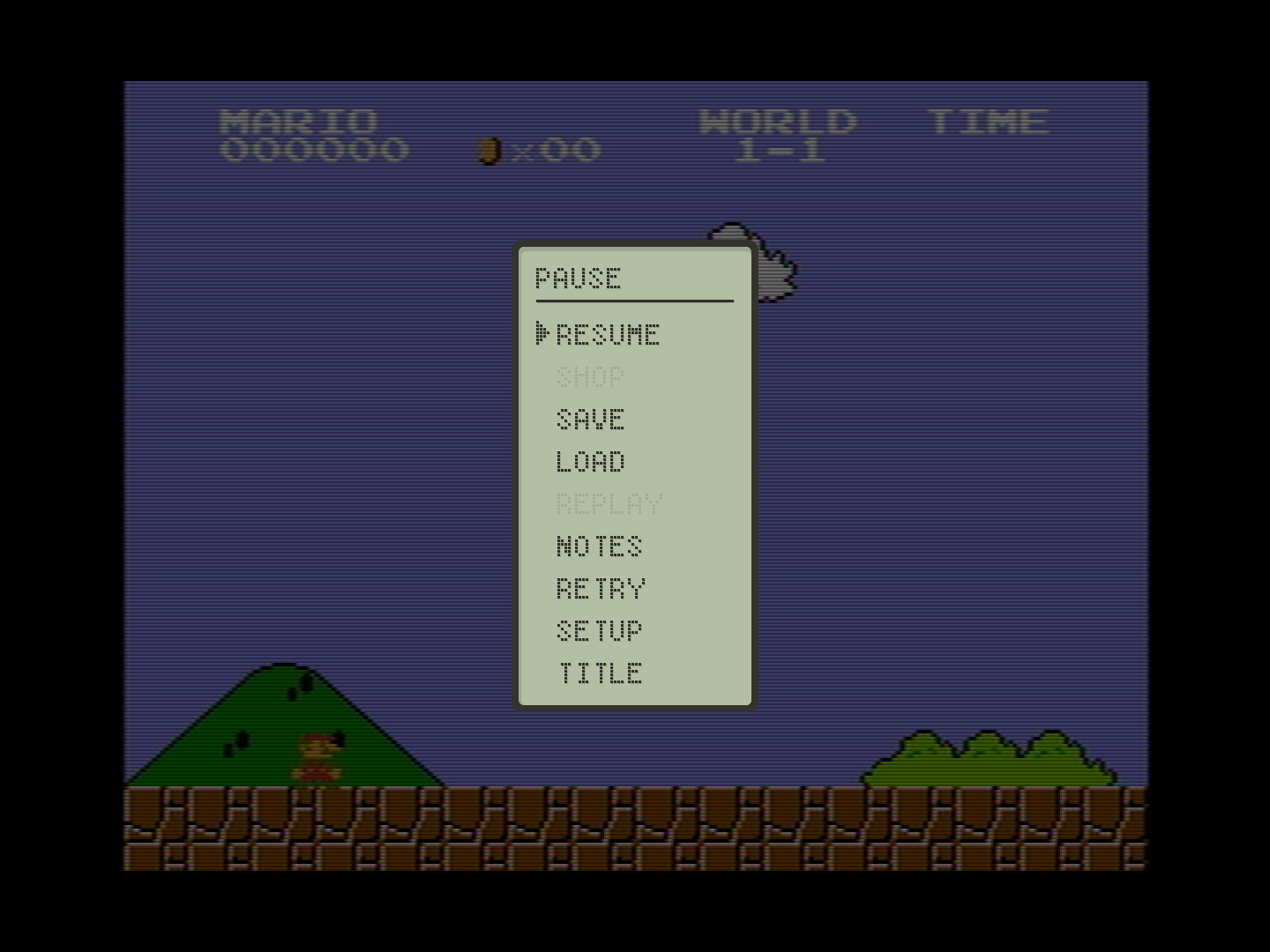
1024 x 768
Too narrow for side panels (73 pixels a side): a 4:3 monitor.
Style 1: NES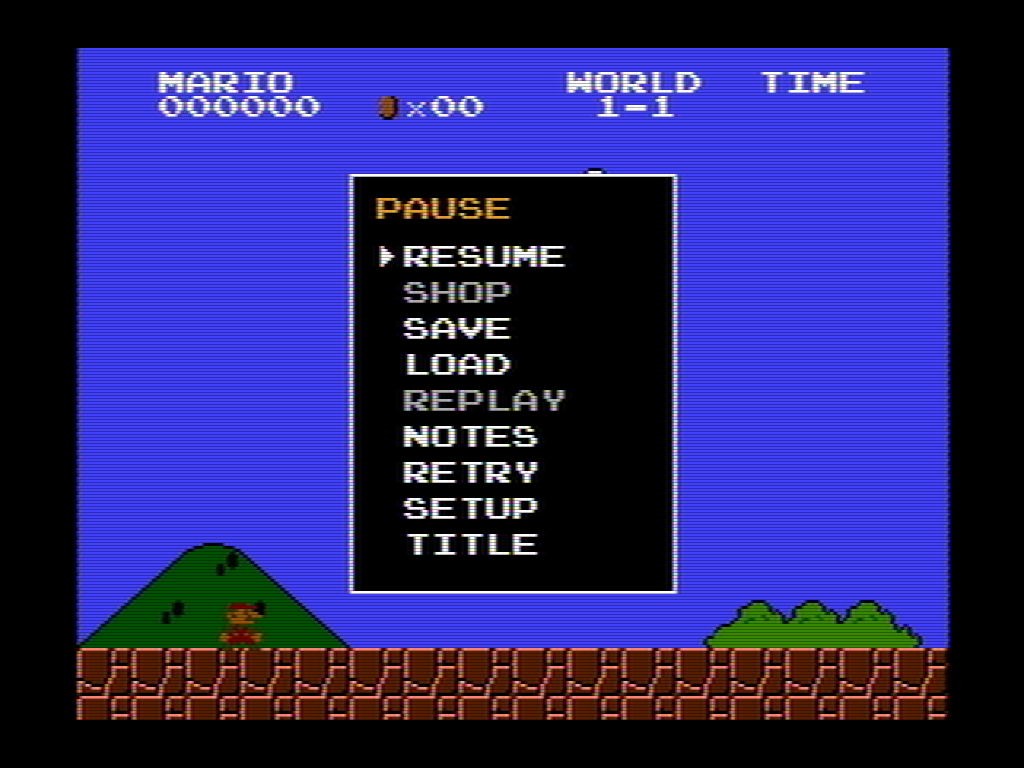
Style 2: Modern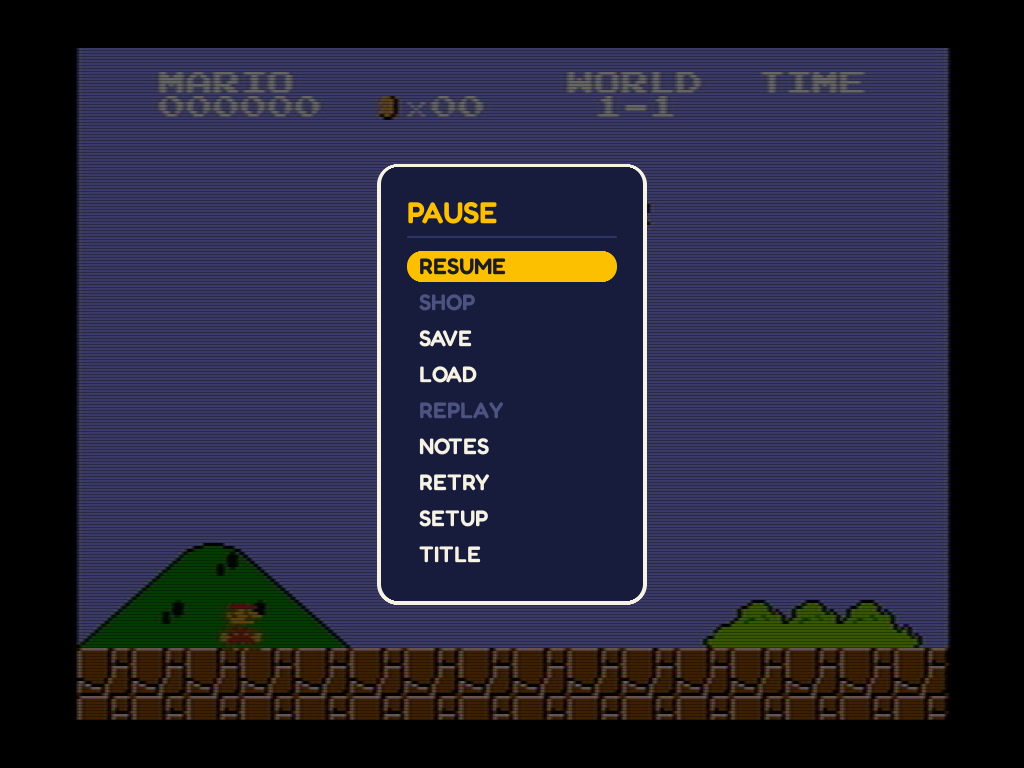
Style 3: LCD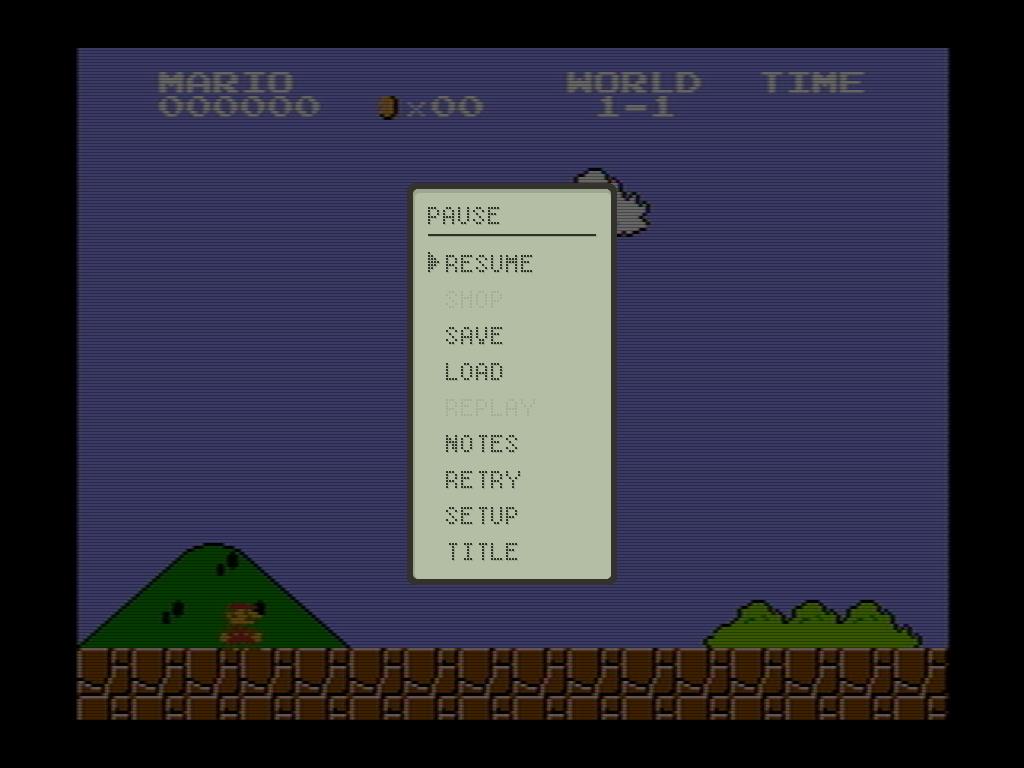
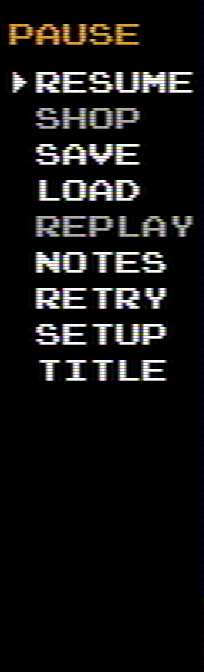
At 1:1
Cut from the captures above and never scaled, as a scaled capture blurs the text. A crop wider than the page scrolls sideways.
?World 1-4The shop
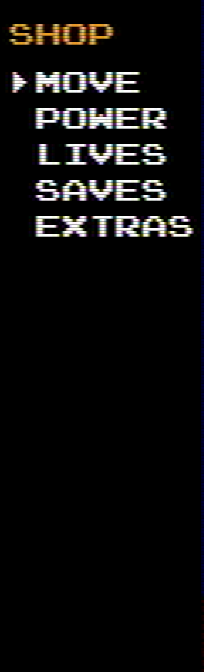
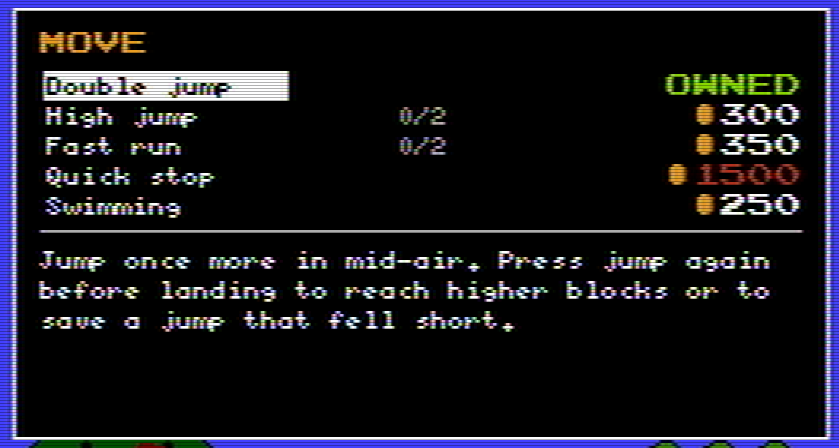
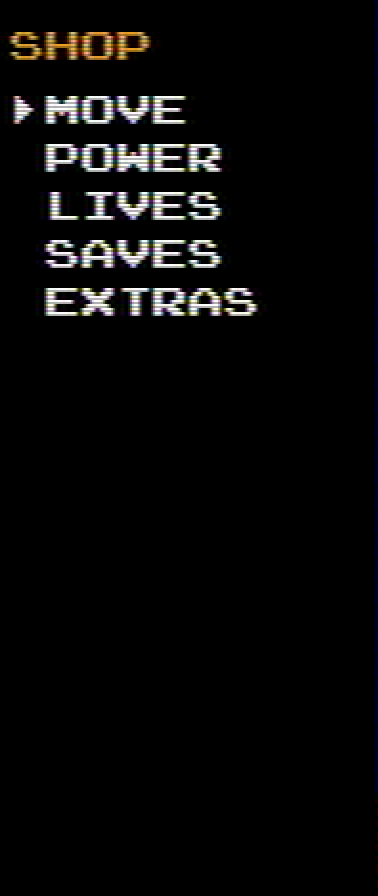
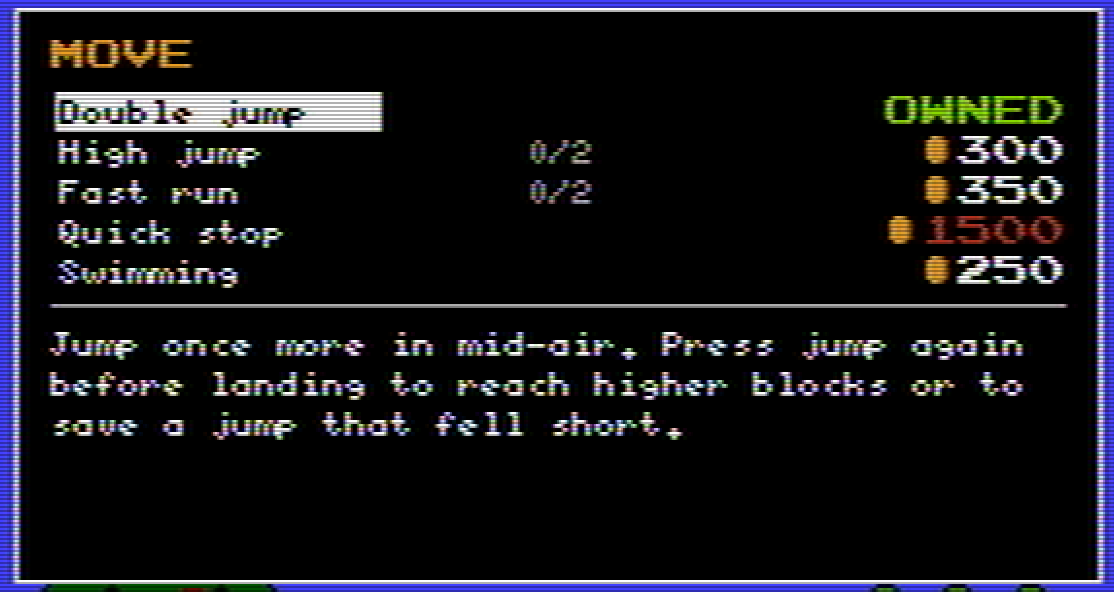
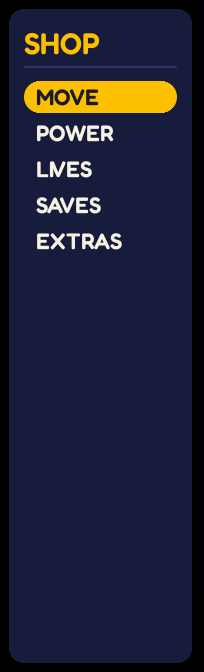
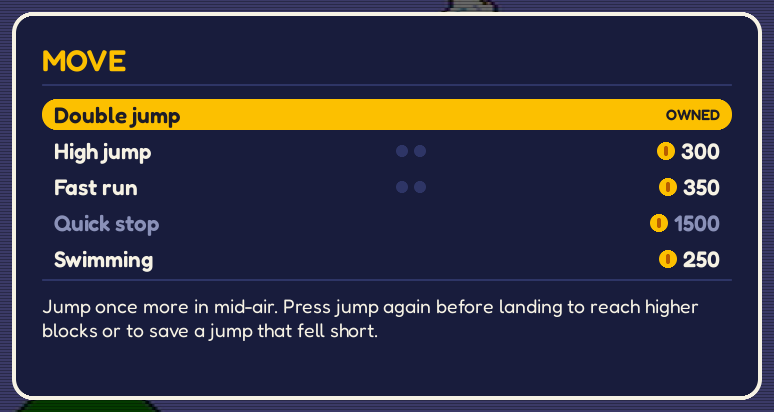
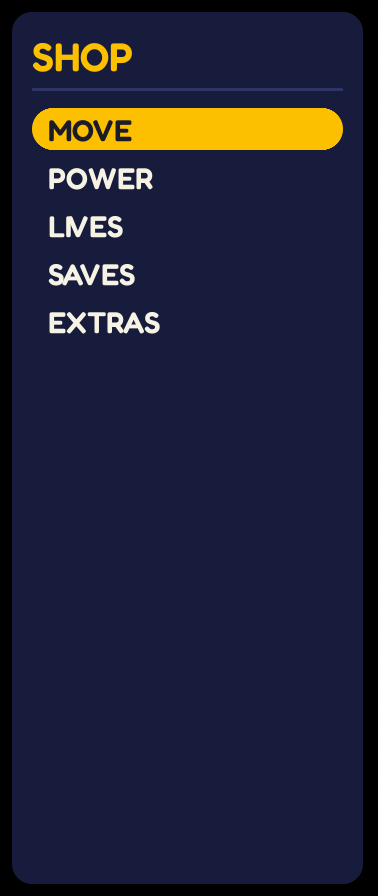
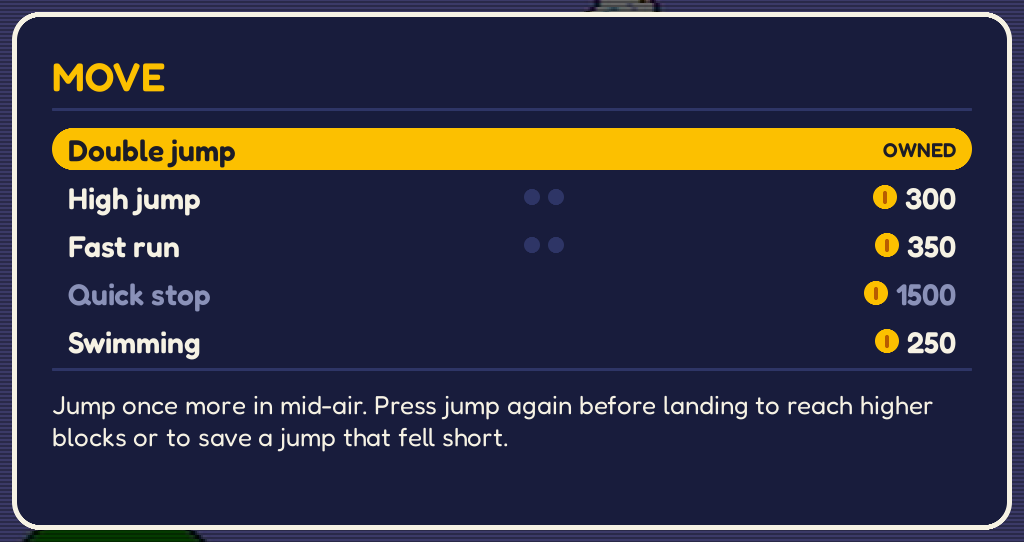
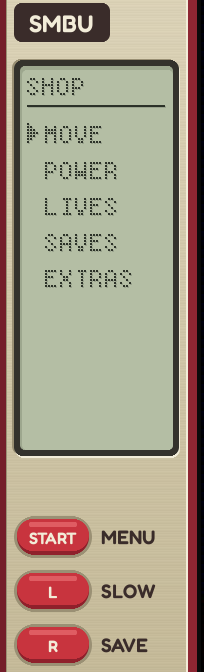
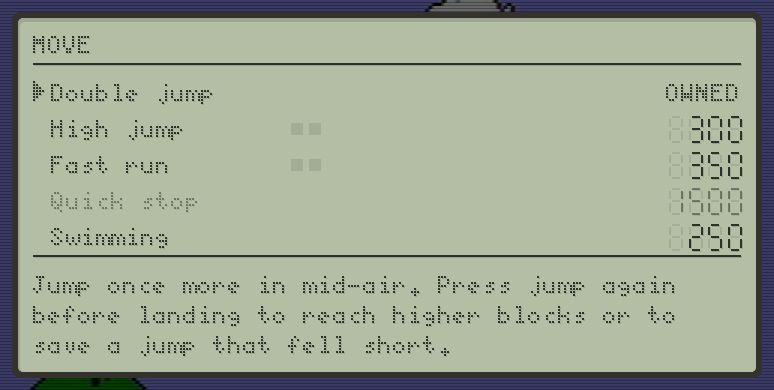
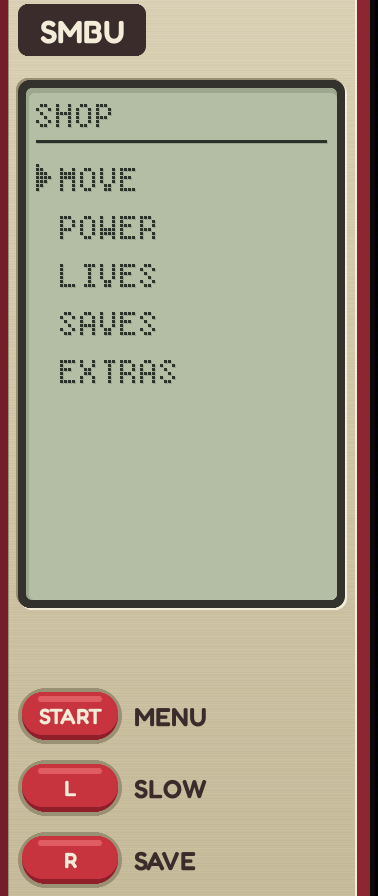
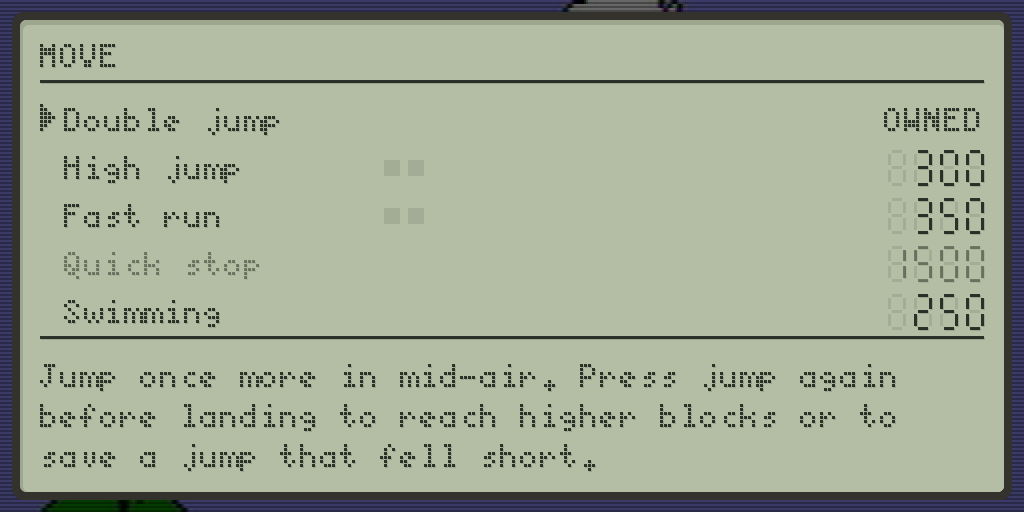
While the shop is open, the game is paused. The left-side panel lists the categories in the shop, and the items in the selected category are shown in a box over the dimmed game in the background, with the description of the selected item below them. The right-side panel keeps showing live information, starting with the coin bank. If the side panels do not fit, the box also displays the category and the coin bank.
1280 x 720
The narrowest side panels: 201 pixels a side.
Style 1: NES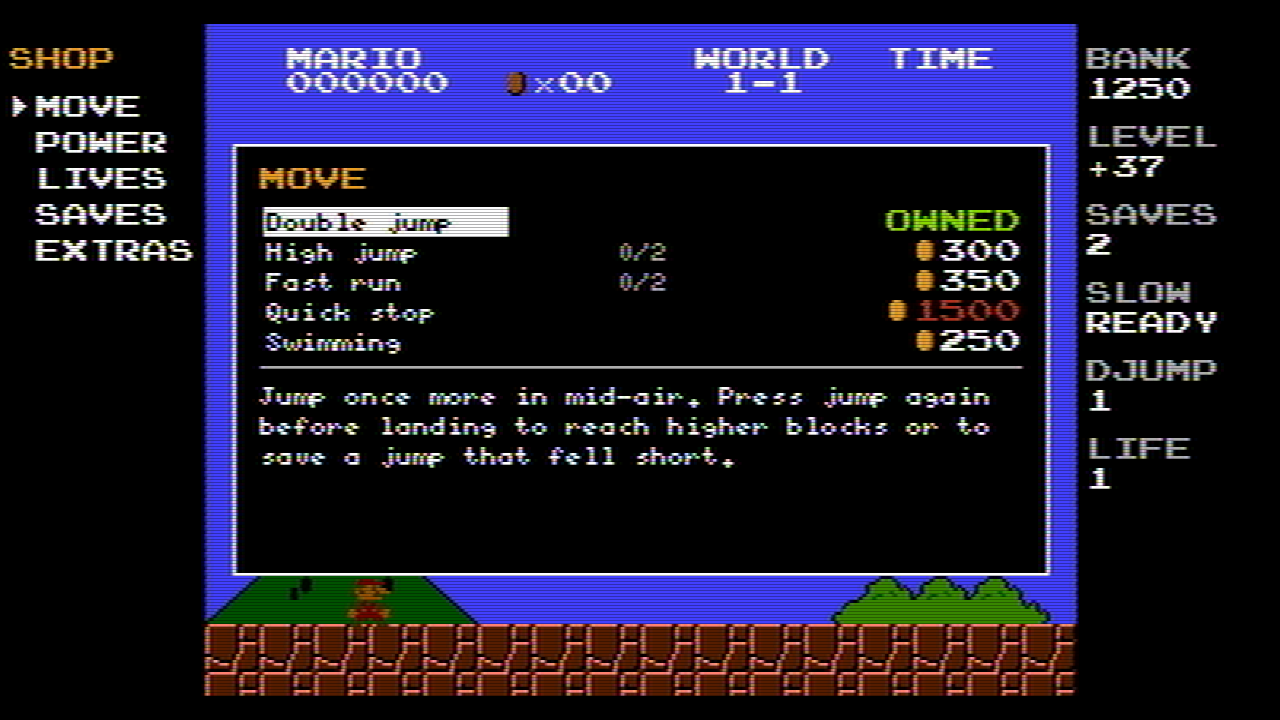
Style 2: Modern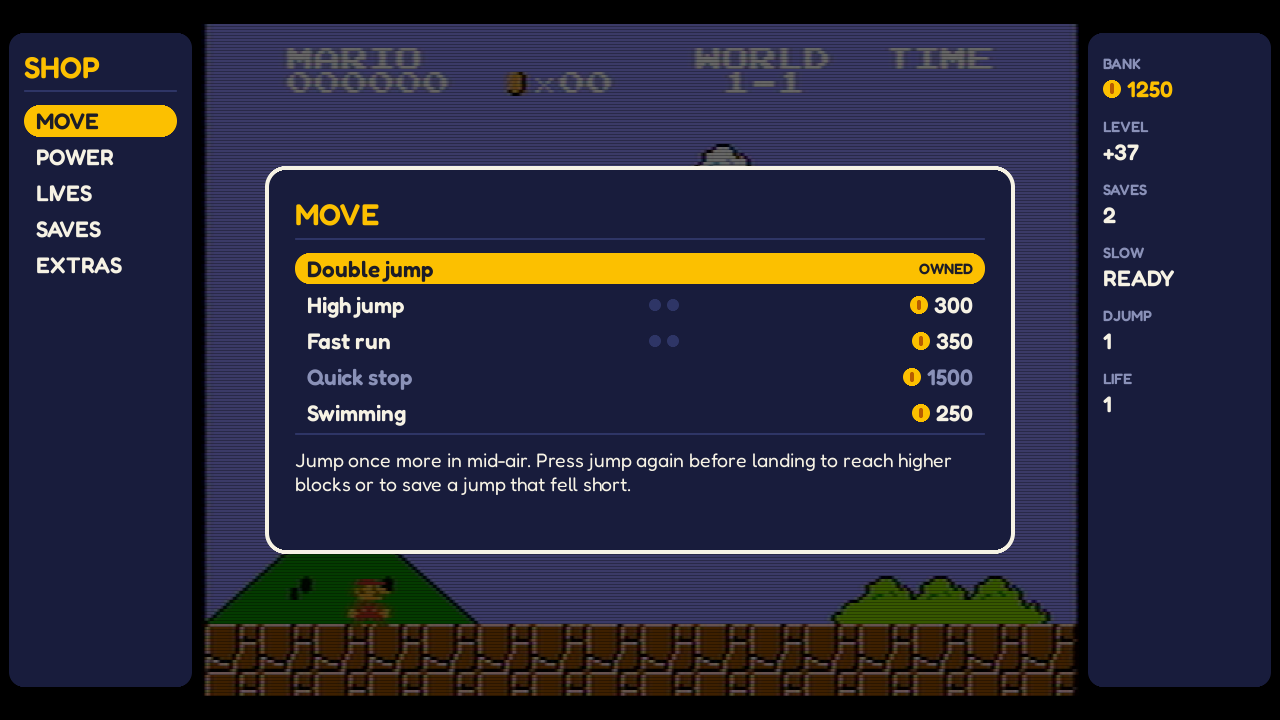
Style 3: LCD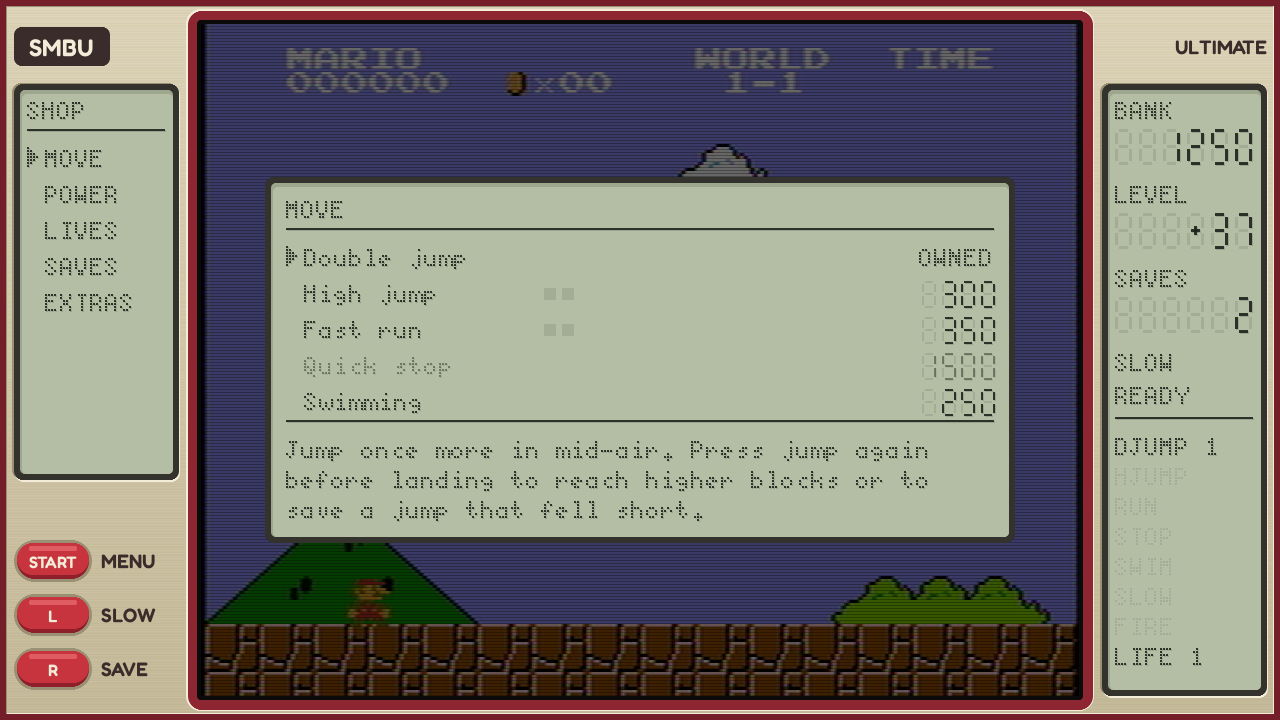
1920 x 1080
The common case: 375 pixels a side.
Style 1: NES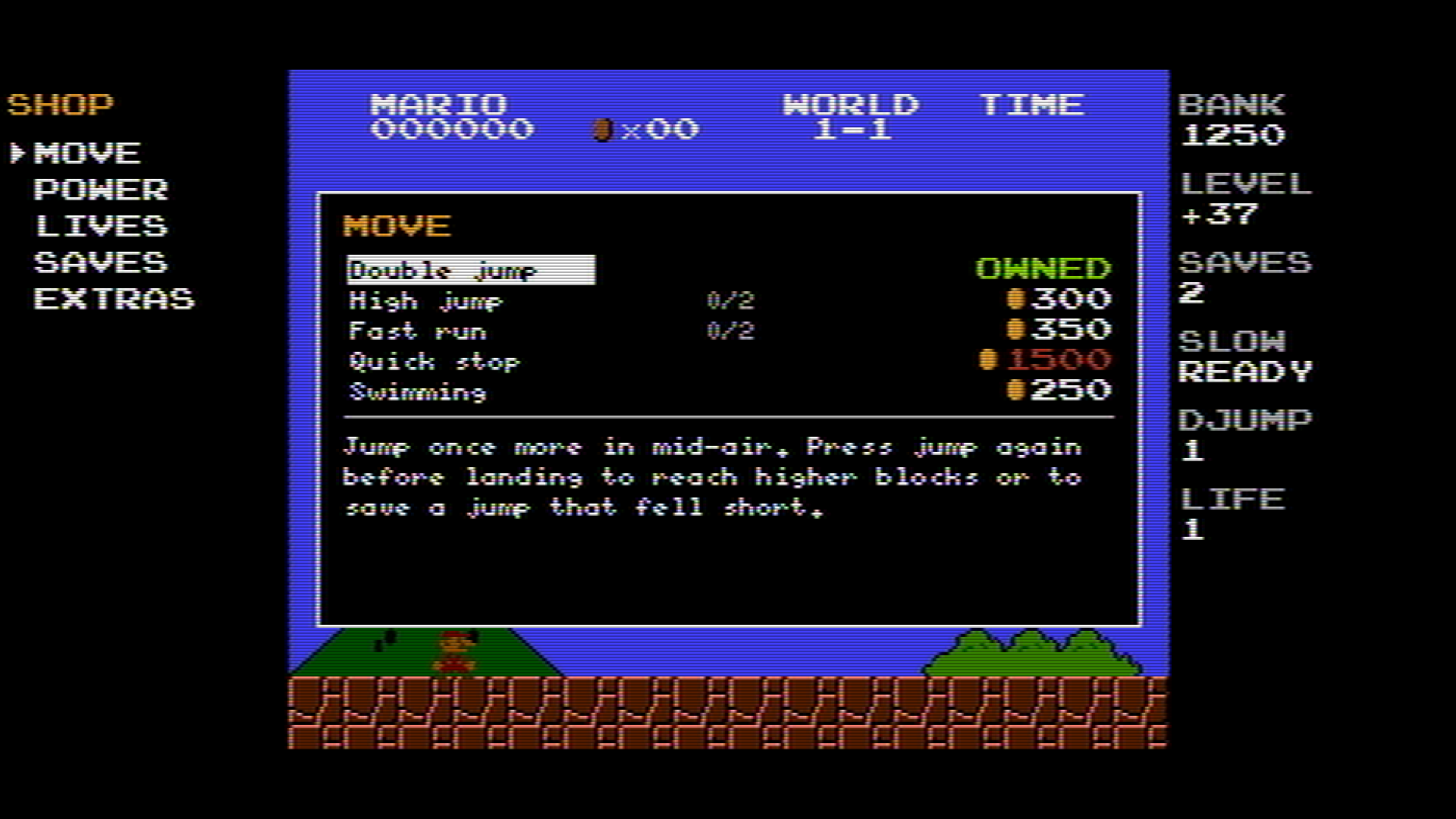
Style 2: Modern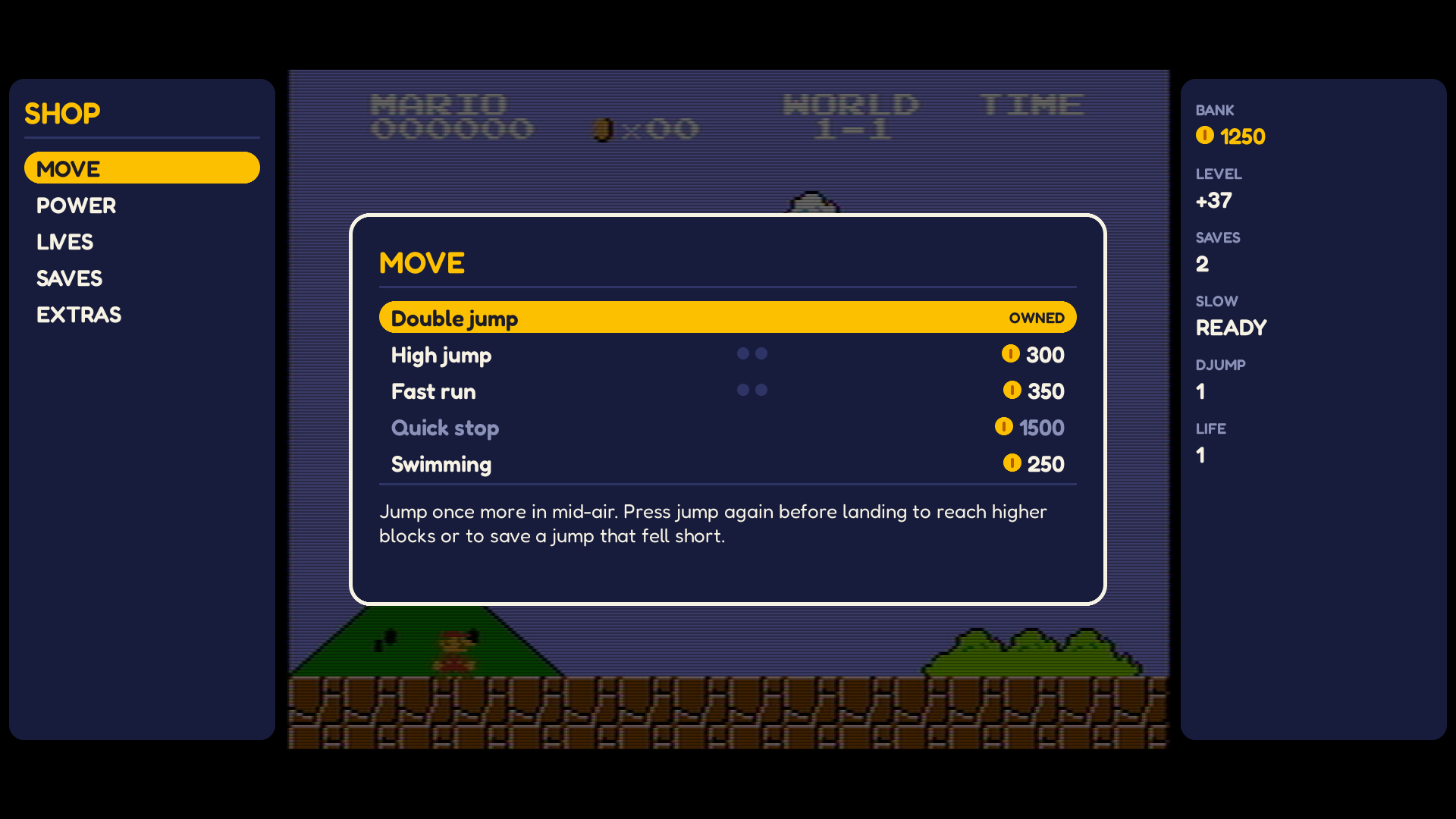
Style 3: LCD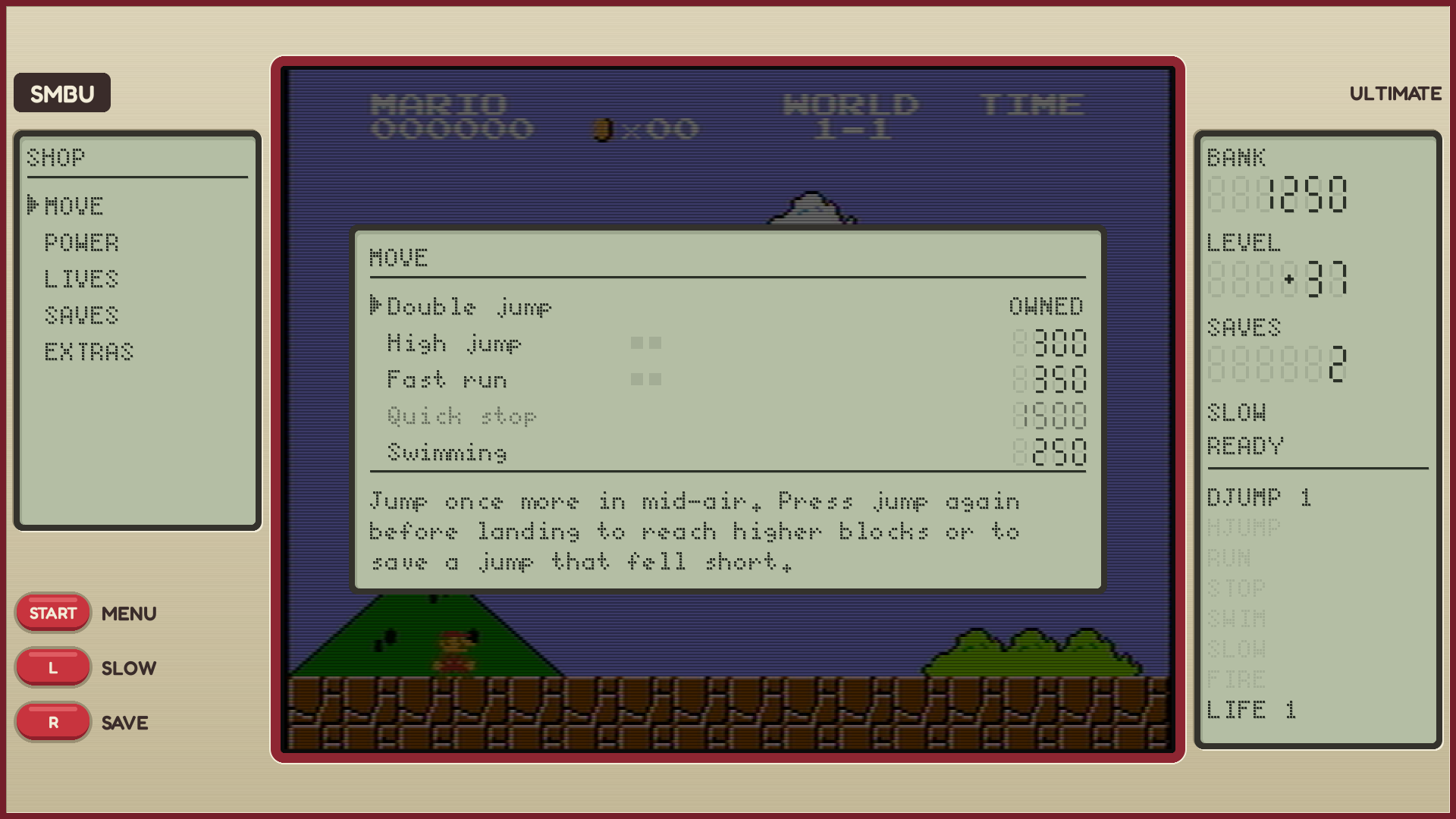
1440 x 1080
Too narrow for side panels (135 pixels a side).
Style 1: NES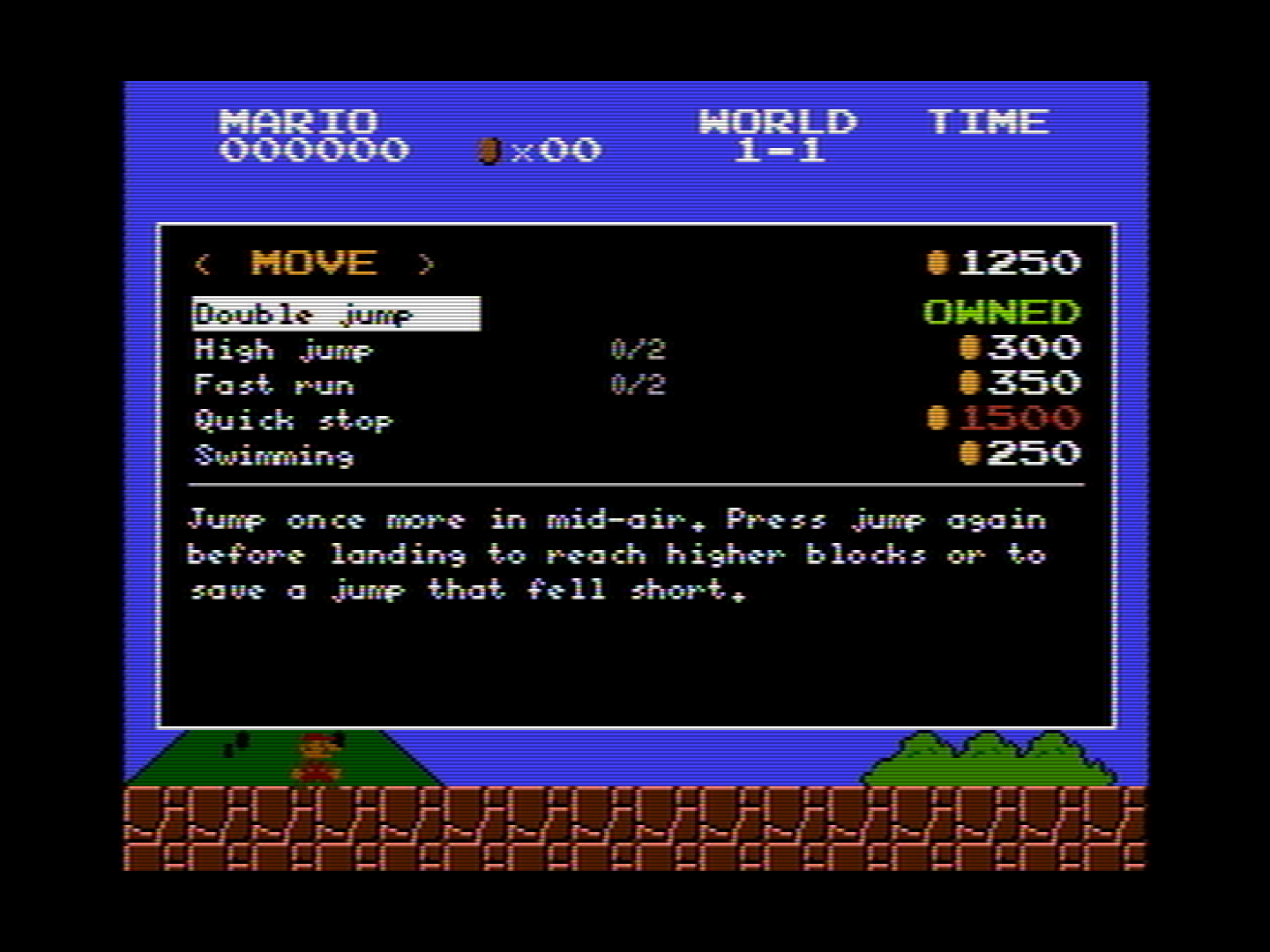
Style 2: Modern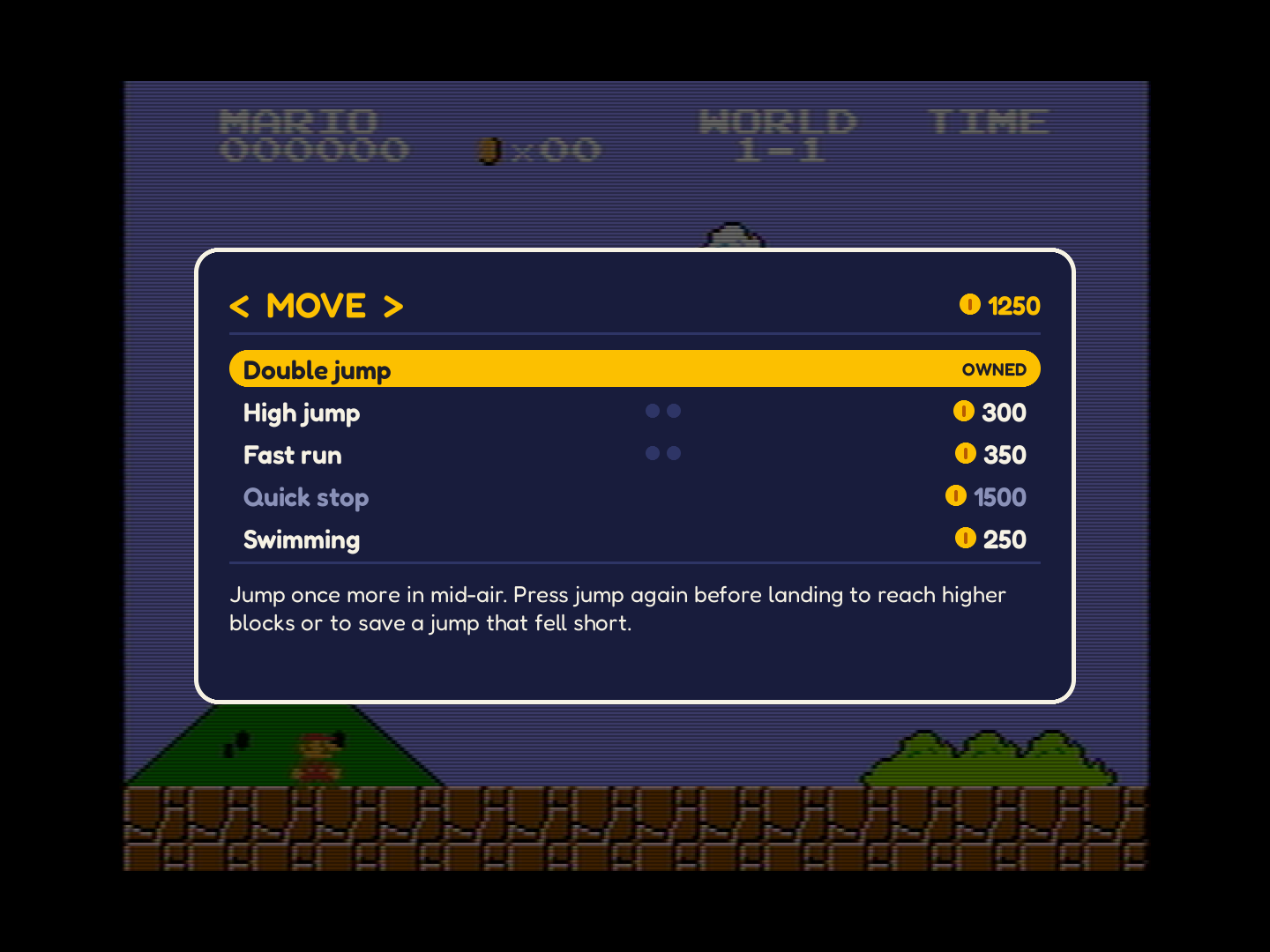
Style 3: LCD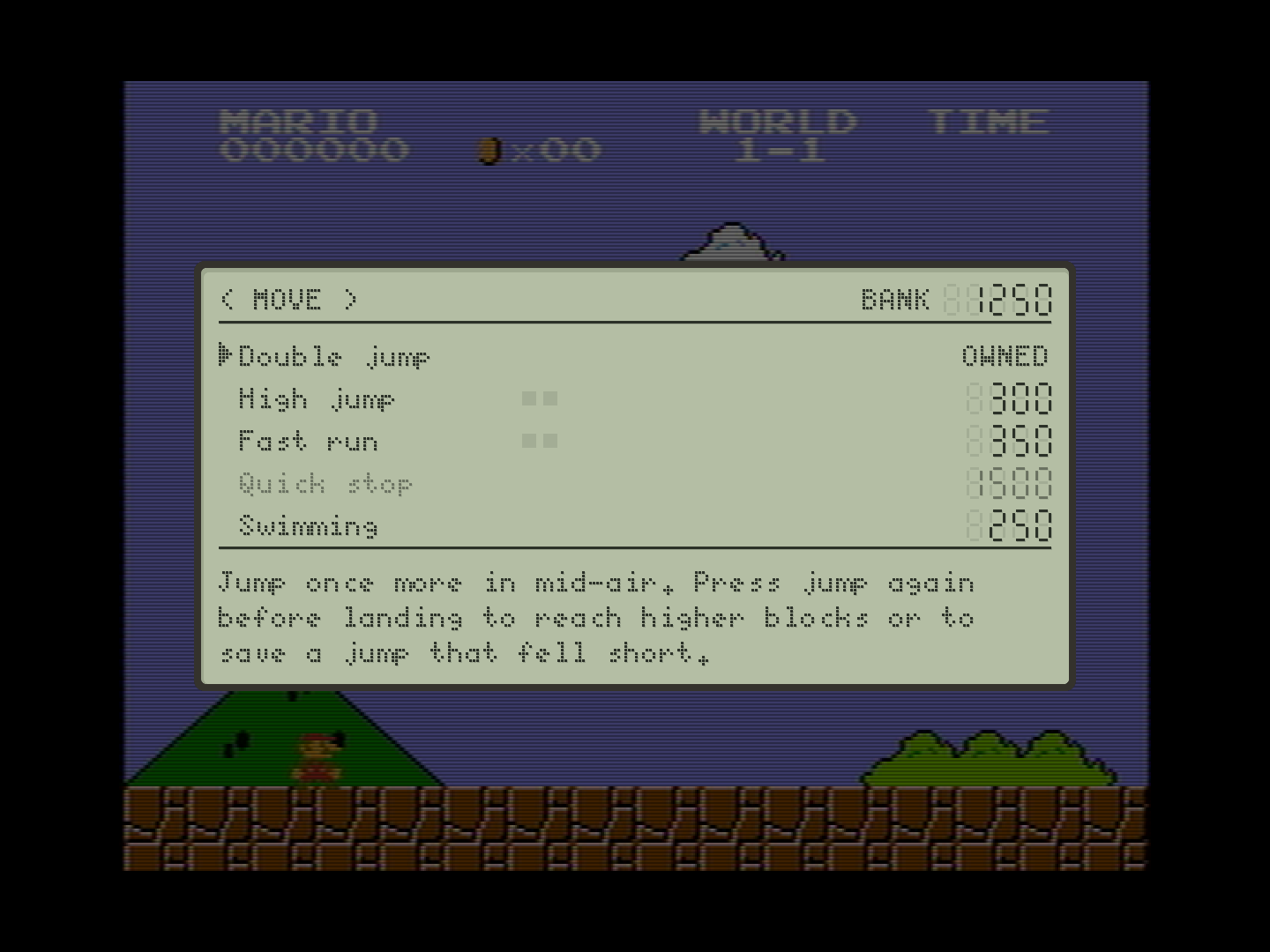
1024 x 768
Too narrow for side panels (73 pixels a side): a 4:3 monitor.
Style 1: NES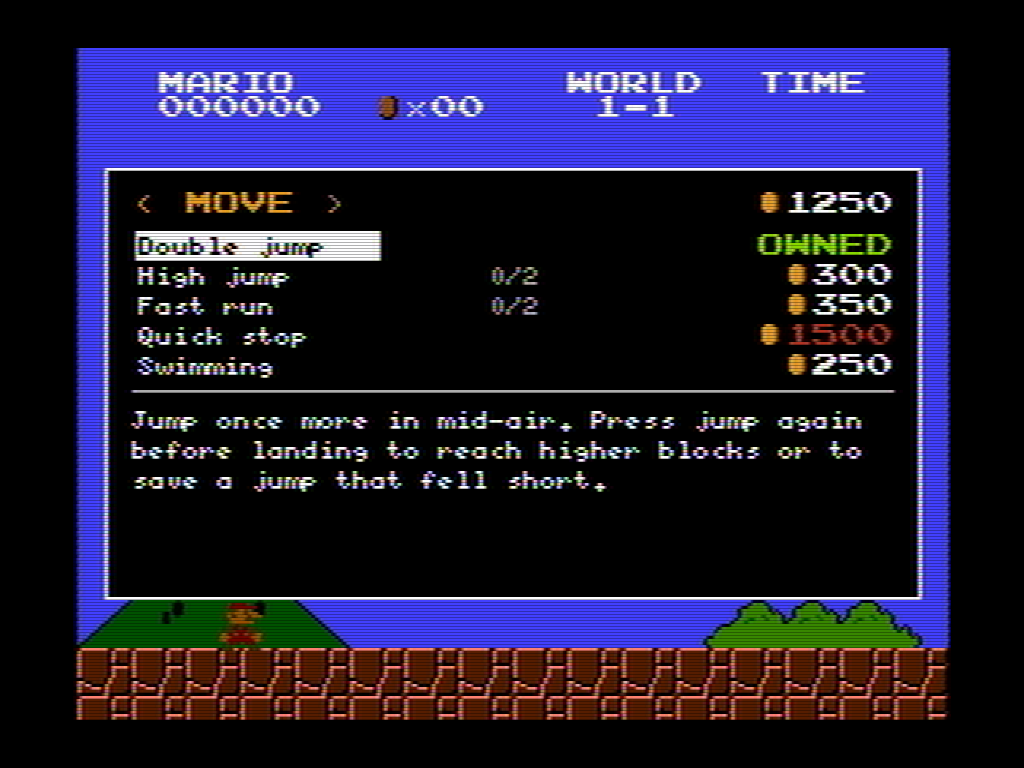
Style 2: Modern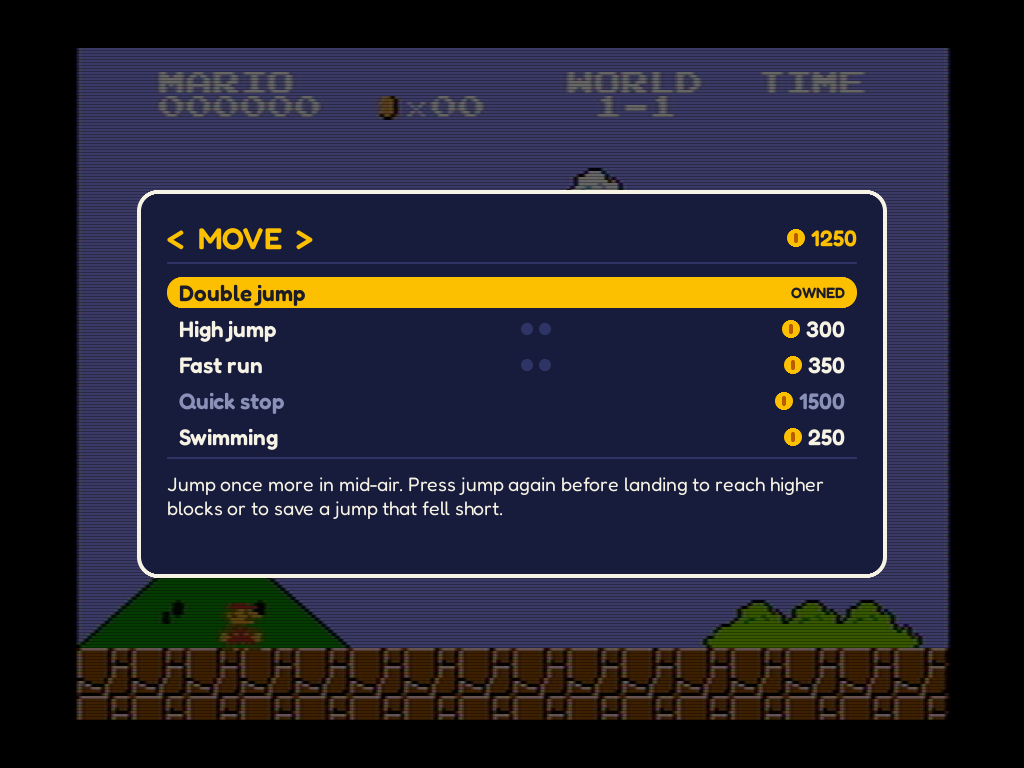
Style 3: LCD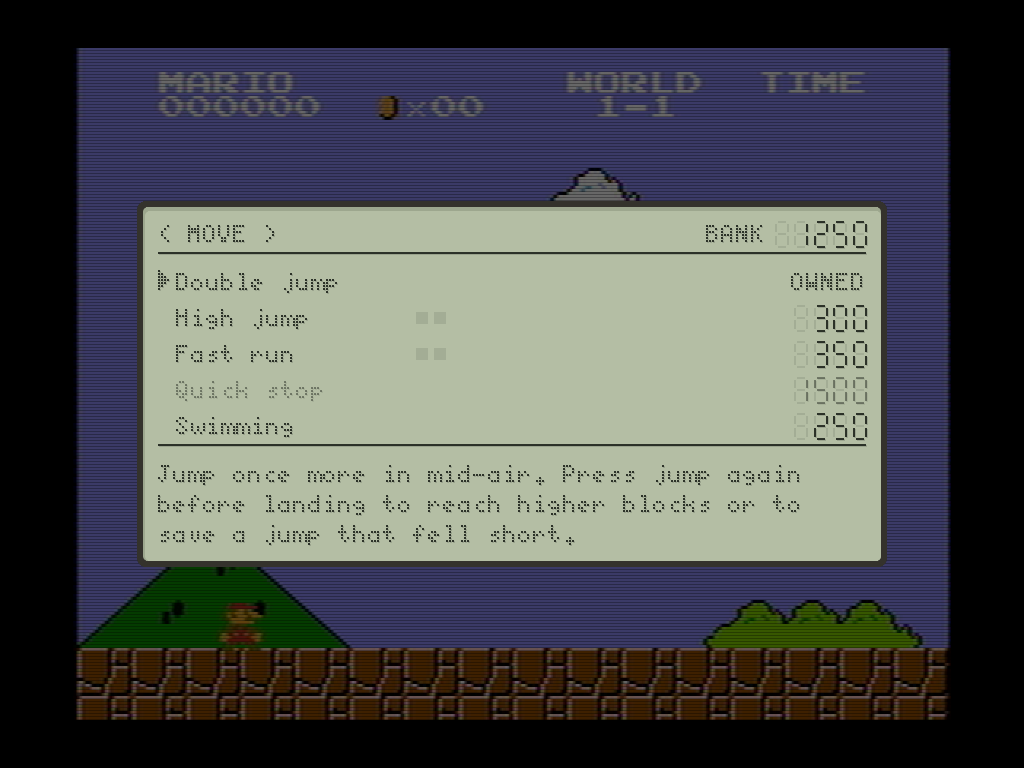
At 1:1
Cut from the captures above and never scaled, as a scaled capture blurs the text. A crop wider than the page scrolls sideways.
?World 2-1Dialog boxes
When a dialog box is shown, the game is paused. For example, when you complete a level, a level-cleared dialog is drawn over a dimmed background of the game, in this case with a yes or no answer.
1280 x 720
The narrowest side panels: 201 pixels a side.
Style 1: NES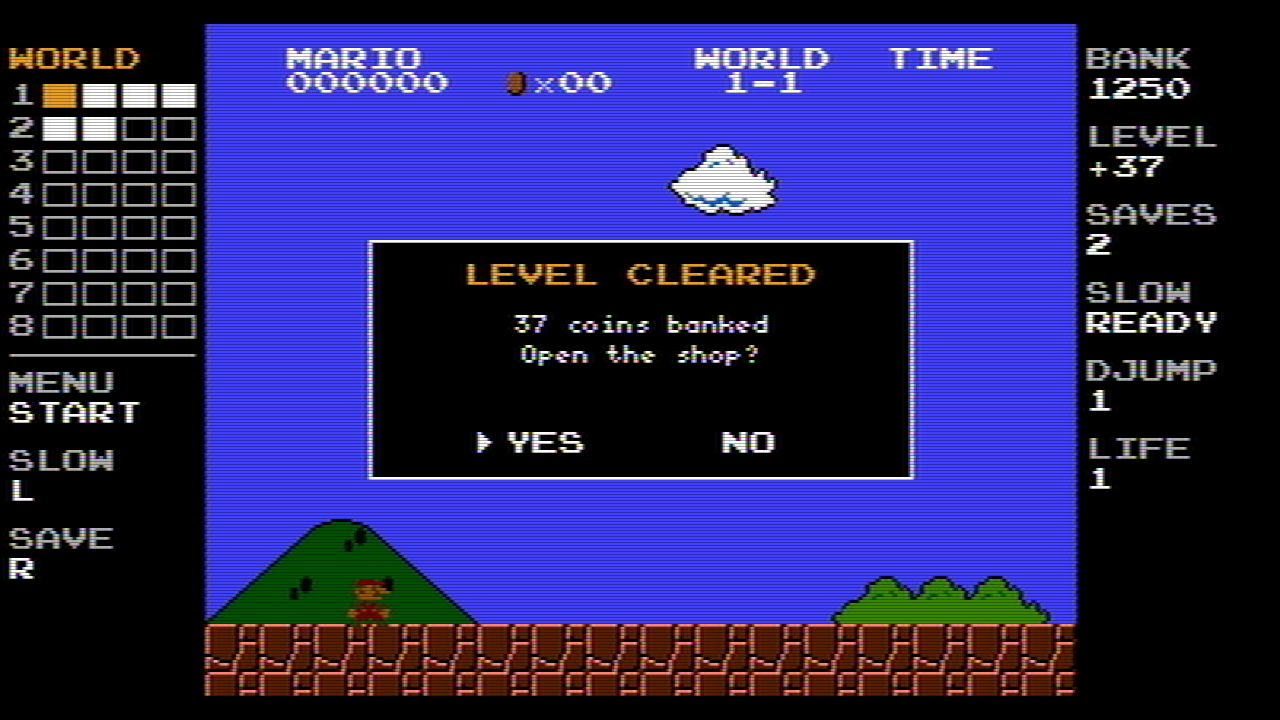
Style 2: Modern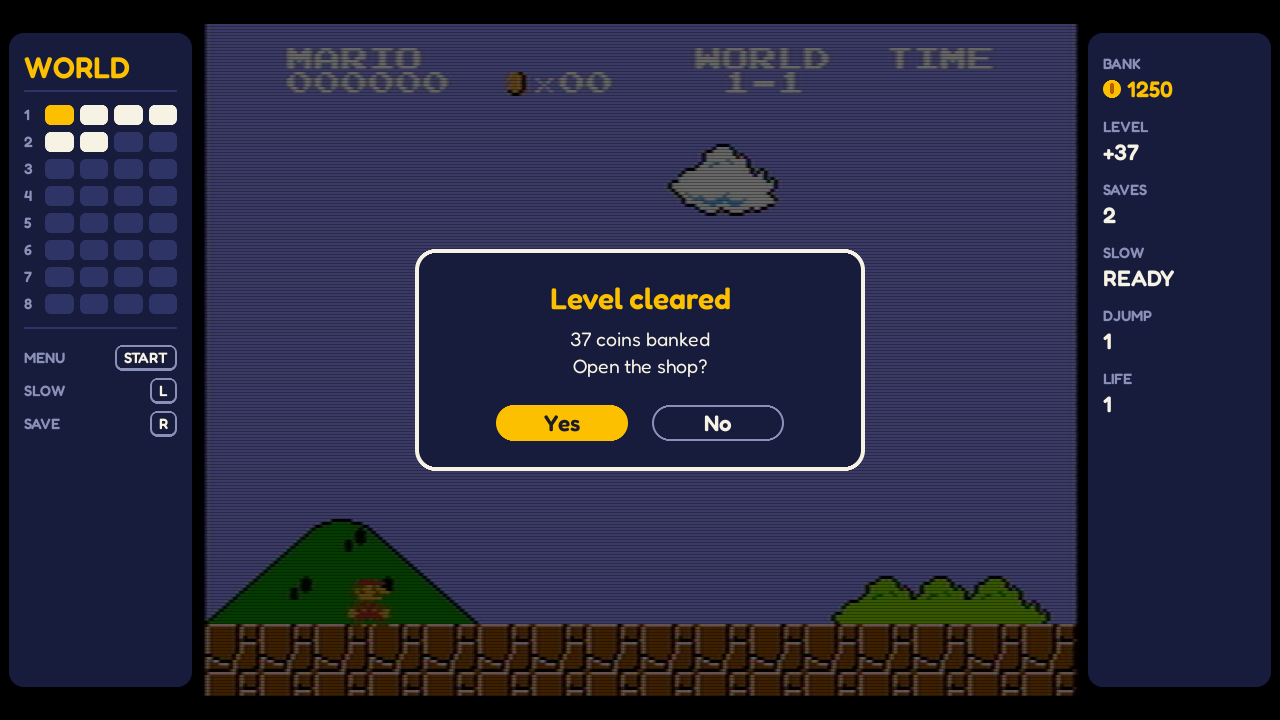
Style 3: LCD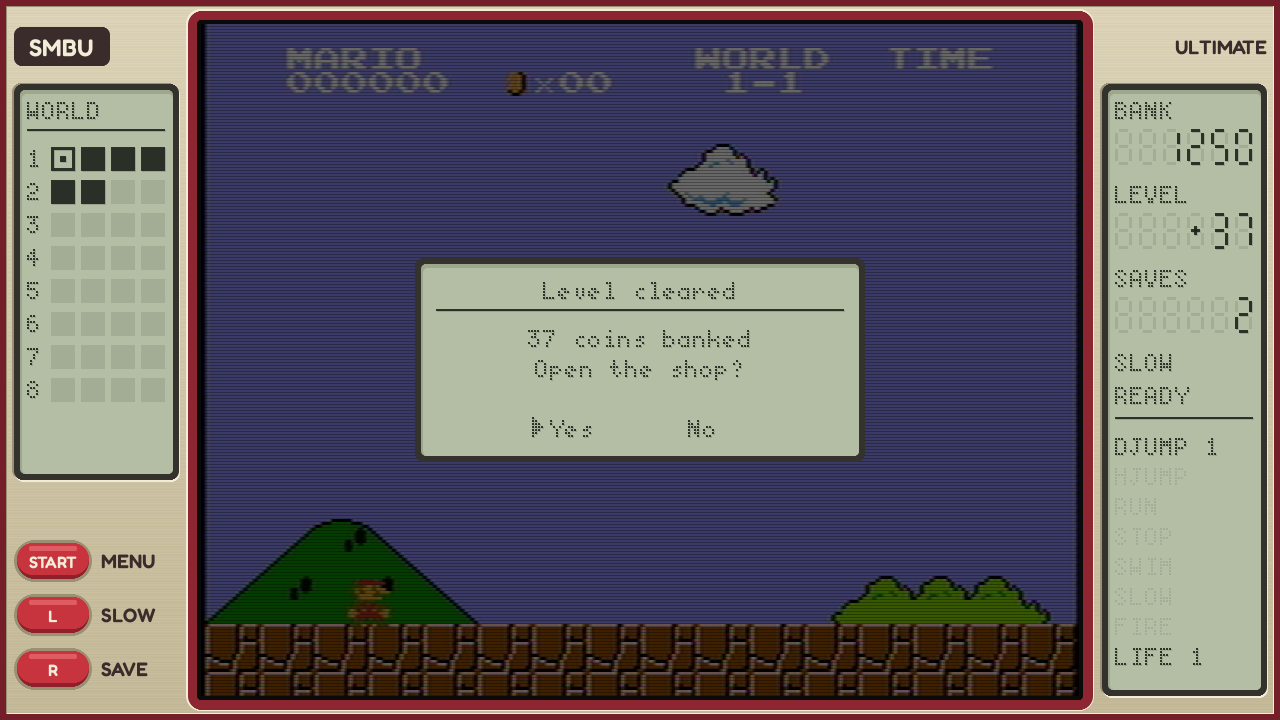
1920 x 1080
The common case: 375 pixels a side.
Style 1: NES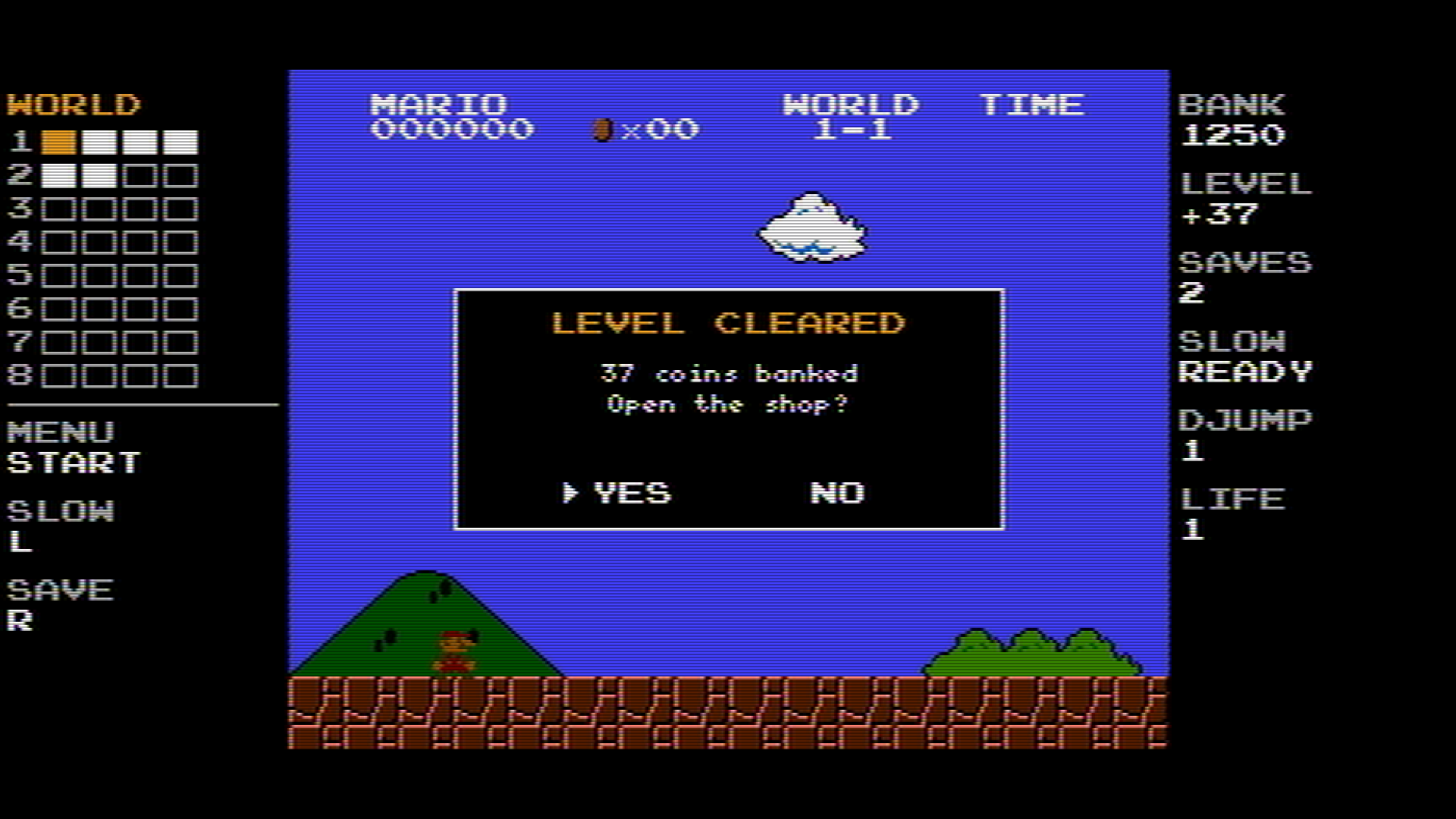
Style 2: Modern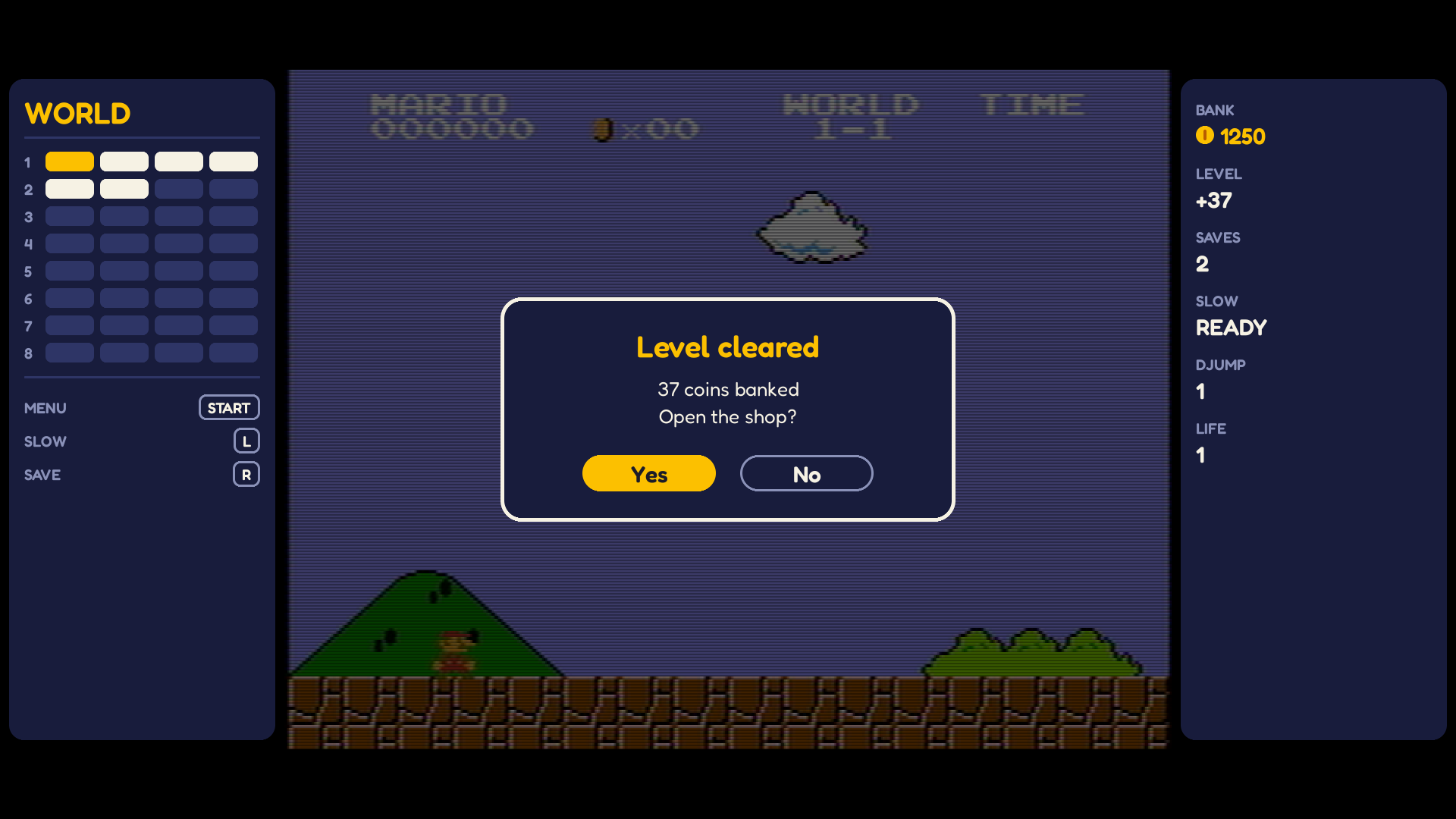
Style 3: LCD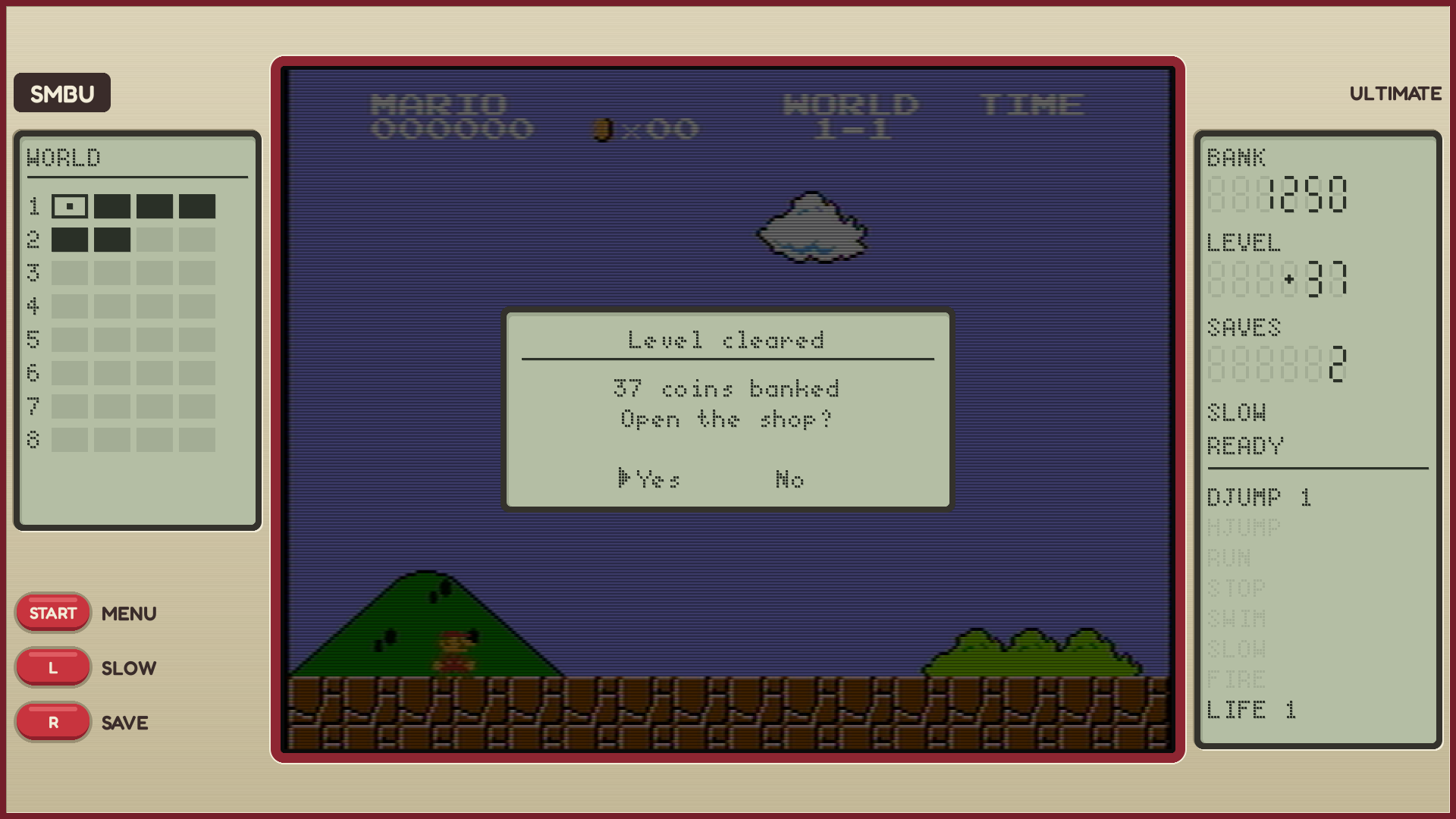
1440 x 1080
Too narrow for side panels (135 pixels a side).
Style 1: NES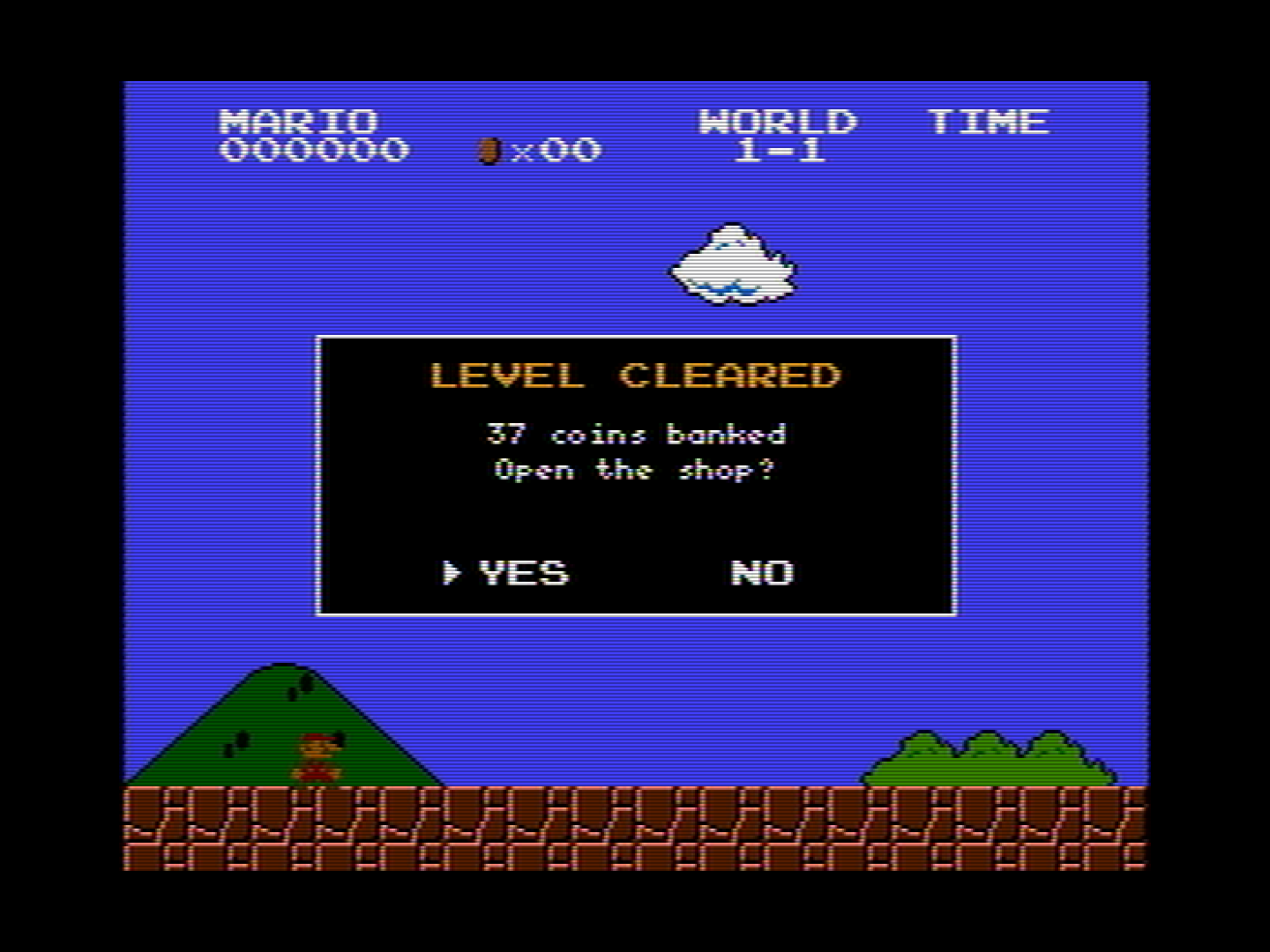
Style 2: Modern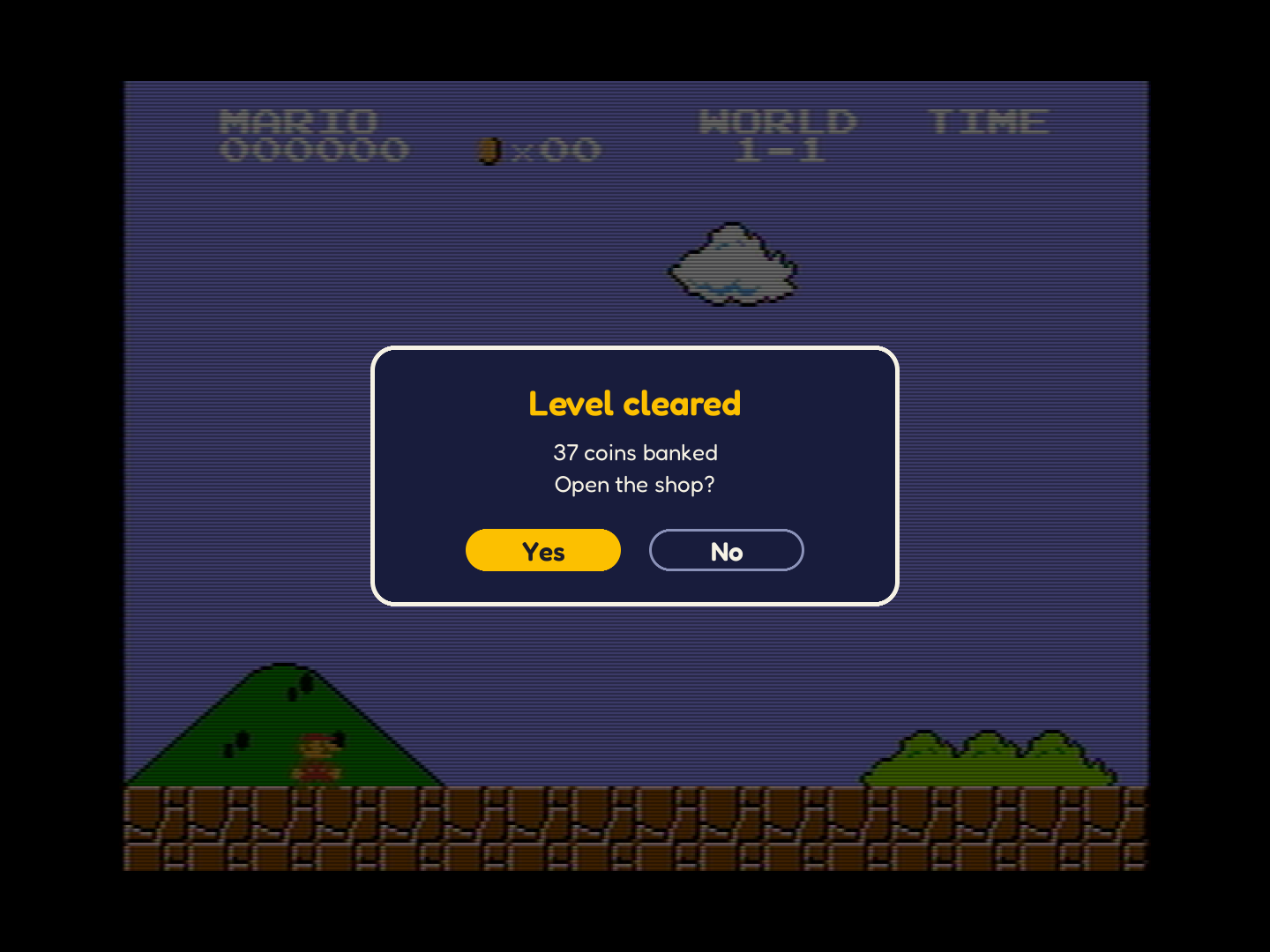
Style 3: LCD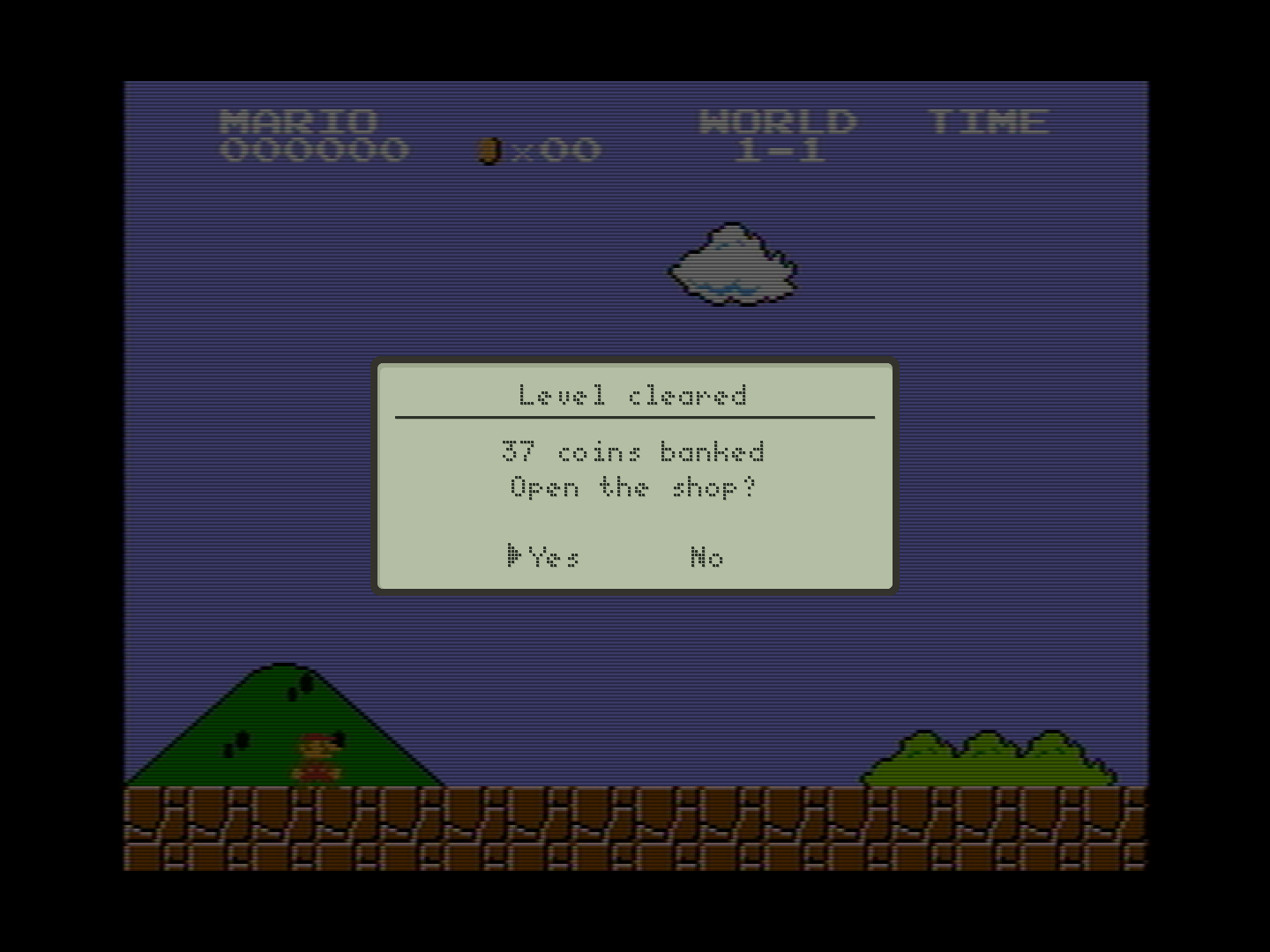
1024 x 768
Too narrow for side panels (73 pixels a side): a 4:3 monitor.
Style 1: NES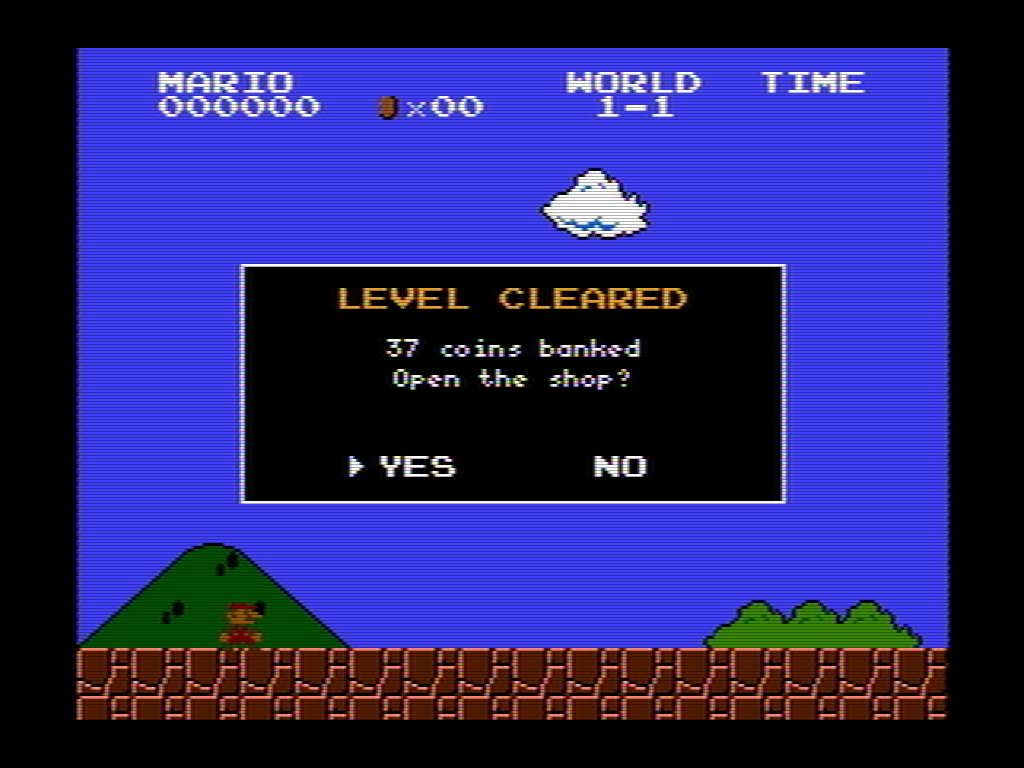
Style 2: Modern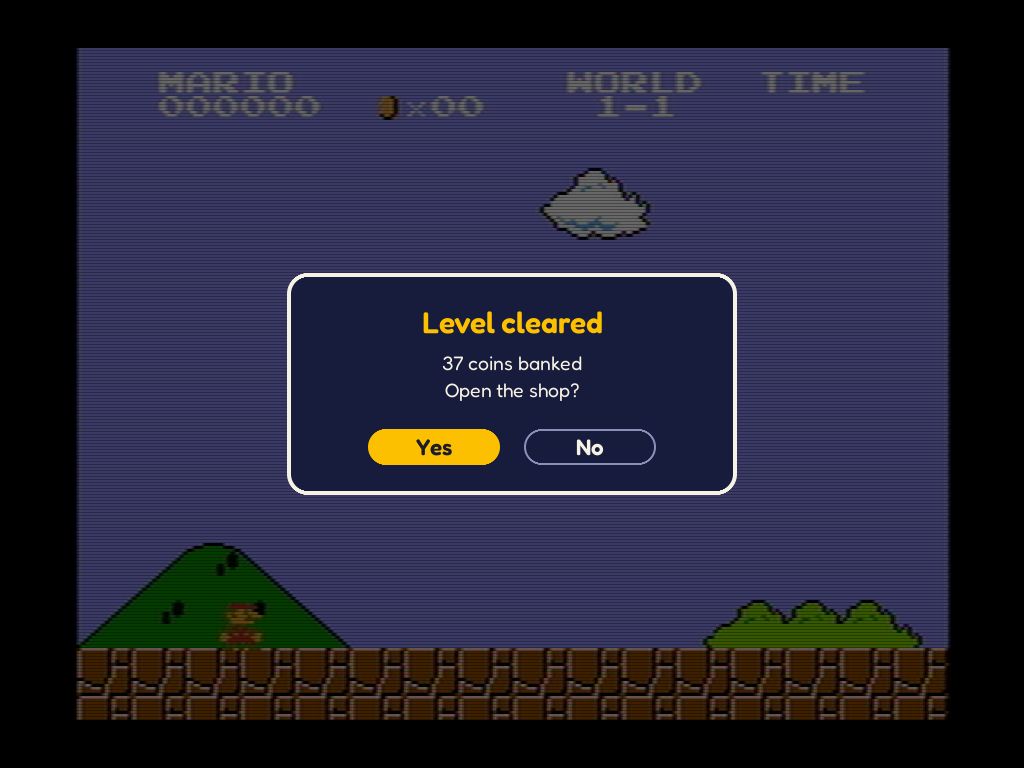
Style 3: LCD